14
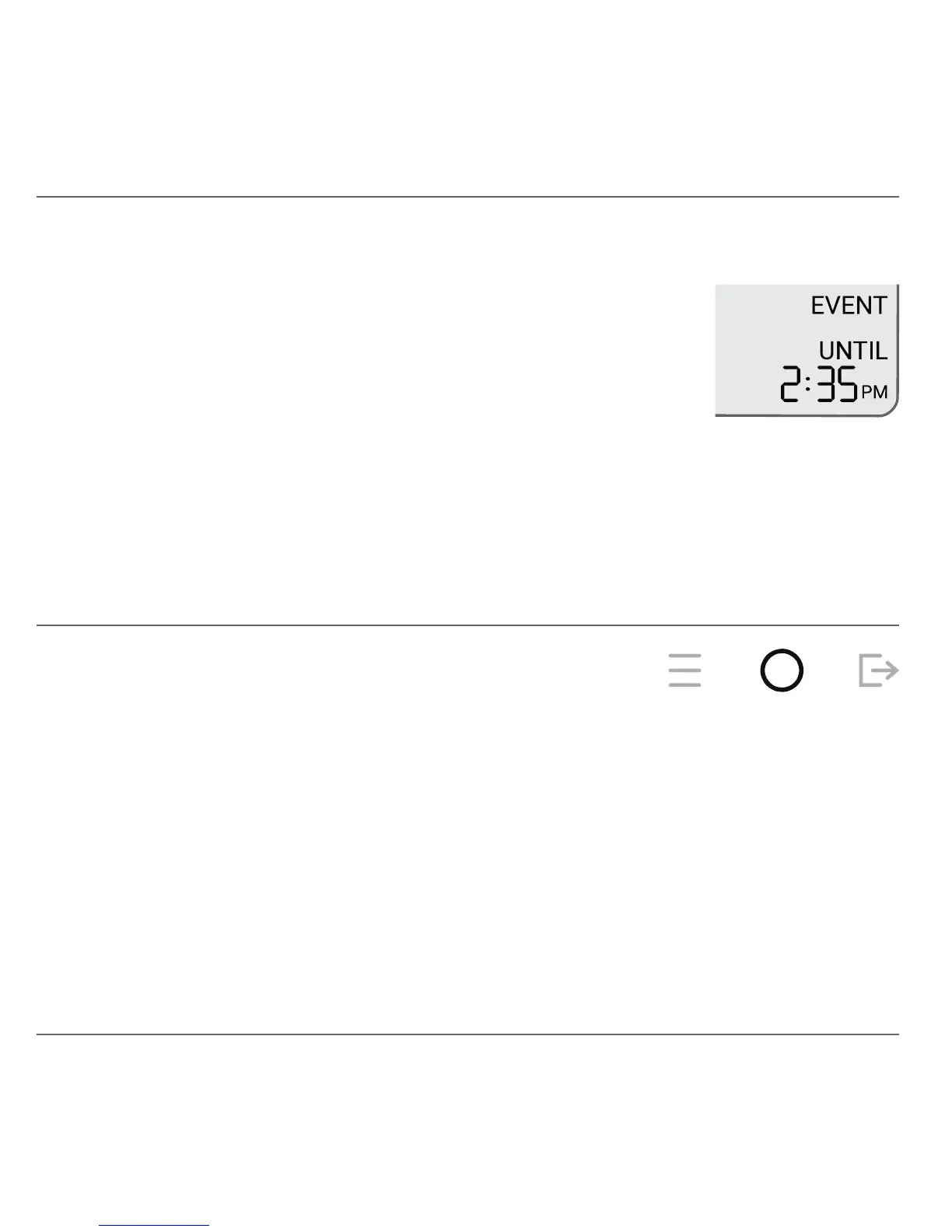
Your account may be congured to participate in Energy
Management Events. When an event is in-progress,
the lower-right display shows PRE EVENT or EVENT
and the UNTIL end time for the event. A PRE EVENT
may occur before an EVENT to help reduce your energy
consumption during peak hours.
Manual changes to temperature using the UP or DOWN buttons are disabled
during a PRE-EVENT or EVENT. The event must be cancelled before
adjustments can be made.
Energy Management Events
To cancel an Event that is in-progress, press the MODE button. If the event is
cancelled during the PRE EVENT phase, the subsequent EVENT phase will
continue to be applied.
Cancelling an Event


 To Next Page