16
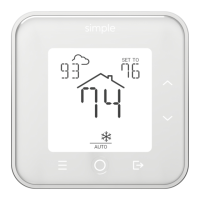
The MENU button on the lower-left front panel opens the thermostat menu.
The message line shows the current menu item, and the UP or DOWN
buttons can be used to navigate. The MODE button selects the current menu
or sub-menu item displayed.
Pressing MENU again exits the menu. After 20 seconds of inactivity, the
menu automatically exits.
Menu Settings


 To Next Page