13
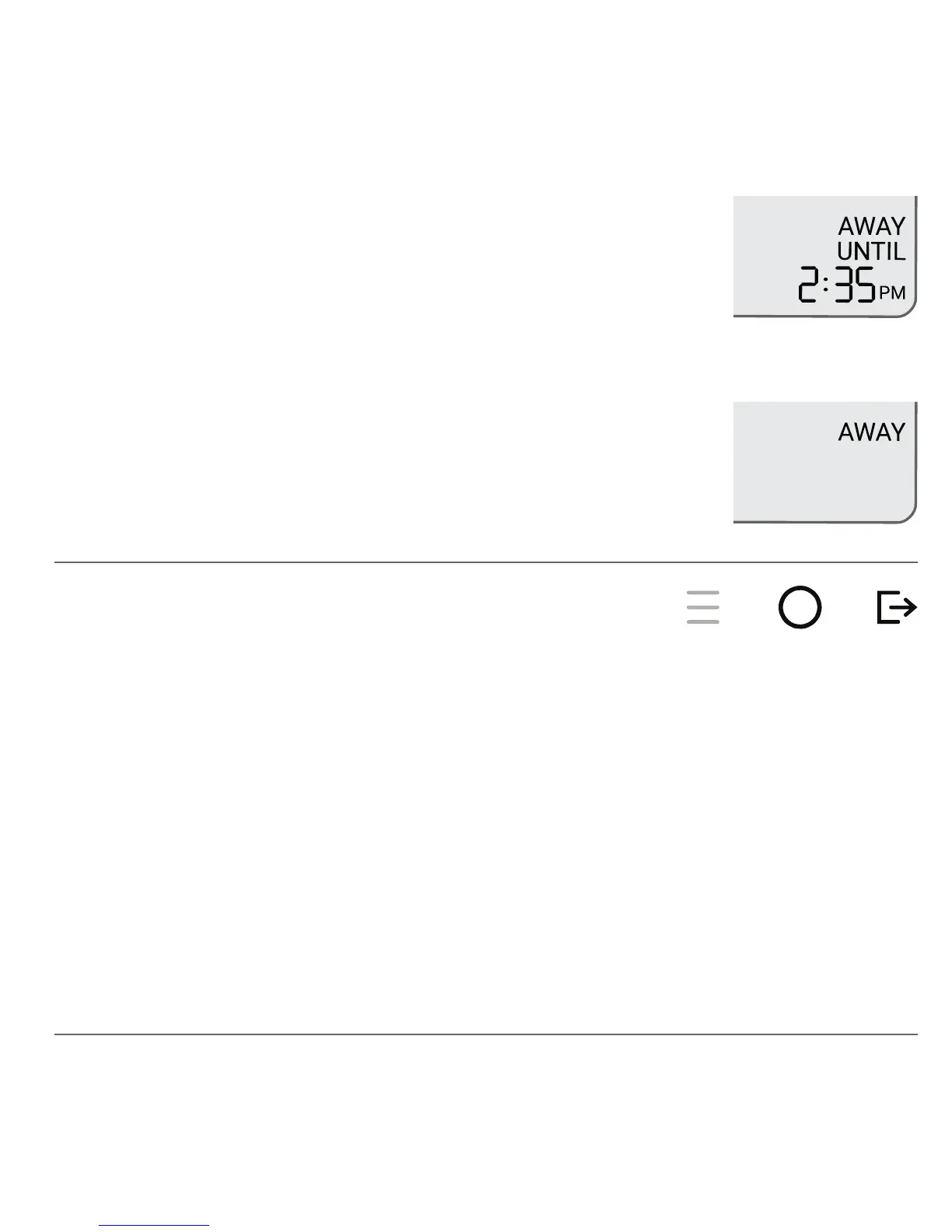
The Away temperature is held until the Away duration
expires, and the end time is shown in the status display.
Selecting AWAY ON is a permanent Away and the
temperature is held until Away is cancelled. In this case,
the UNTIL status is not shown.
When Away is in effect, it can be cancelled using either the MODE or AWAY
buttons. Canceling Away returns you to the schedule temperature setting
for the current day and time. If the schedule is not running, cancelling Away
returns to the same temperature setting when Away was started.
Cancelling Away


 To Next Page