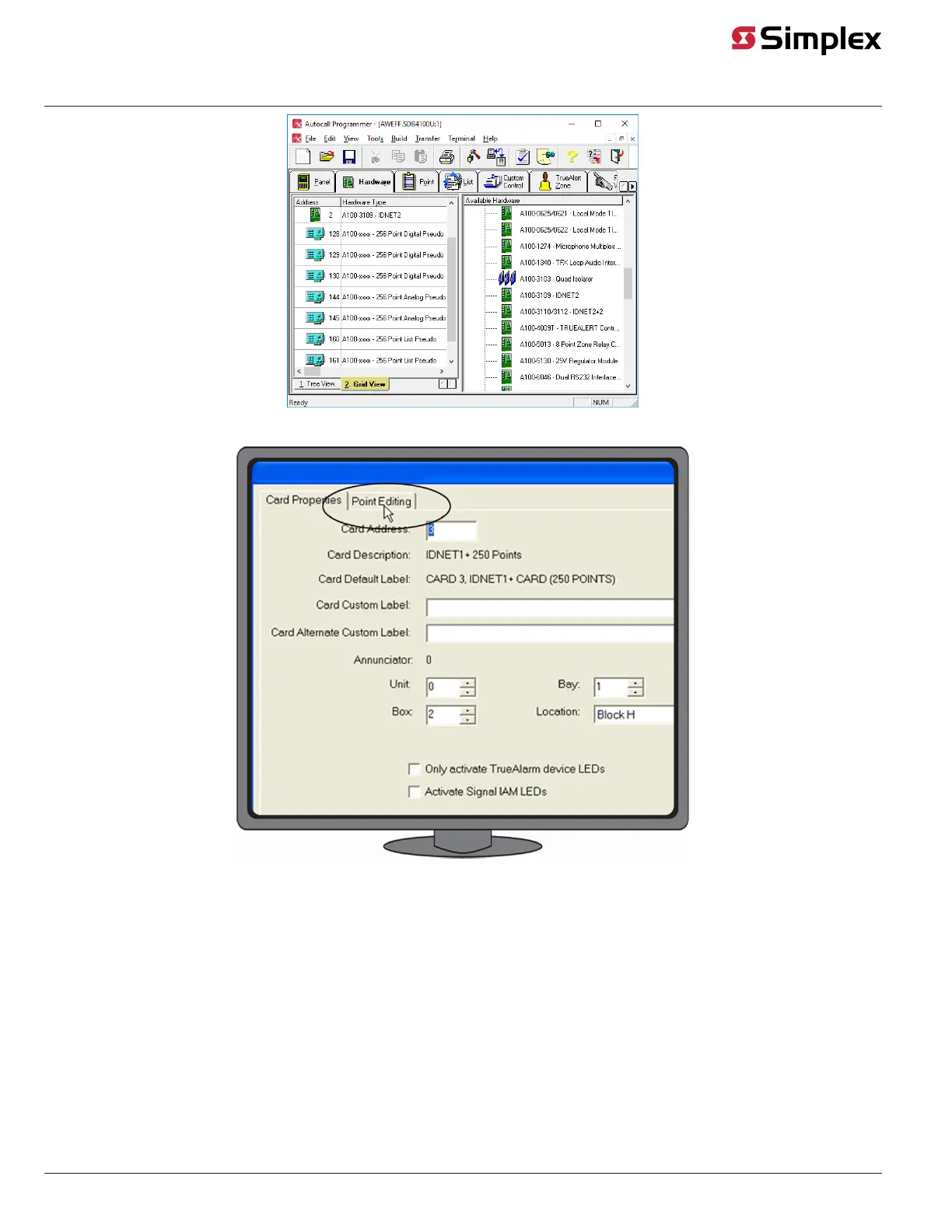
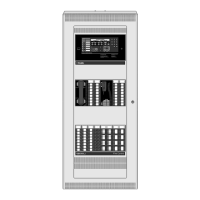
Figure 4: Accessing the IDNet Channel
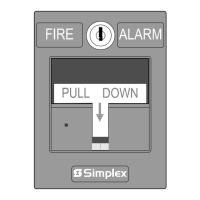
Figure 5: Accessing the Point Editing Tab
6. Use the options in the Point Editing tab, shown in Figure 6, to edit the following:
- Device Type. Click on the Device Type drop down list box and select BEAM.
- Point Type. Click on the Point Type drop down list box and select a point type.
• Select FBEAM for the Beam Detector
• Select LSBEAM for the Latched Supervisory Beam Detector
• Select UBEAM for the Utility Beam Detector
- Custom Label. Assign a customized label to the device point.
- Alternate custom Label. Define an alternate label of up to 40 characters for the point, typically the function, location, or other descriptive
text.
- PNIS Code. Allows selection of the PNIS code for the point*.
- Primary Action message. This selection assigns a Primary State Action Message to the point*.
- Trouble Action message. This selection assigns a Trouble Action Message to the point*.
Note: For more information on point editing consult the ES Programmer manual.
page 5 579-1039 Rev. D
4098-9019 IDNet Addressable Beam Detector Wiring and FACP Programming



 To Next Page