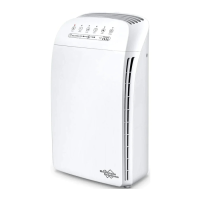
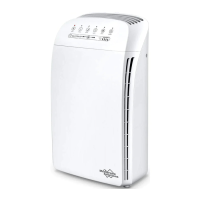
Operating Guide
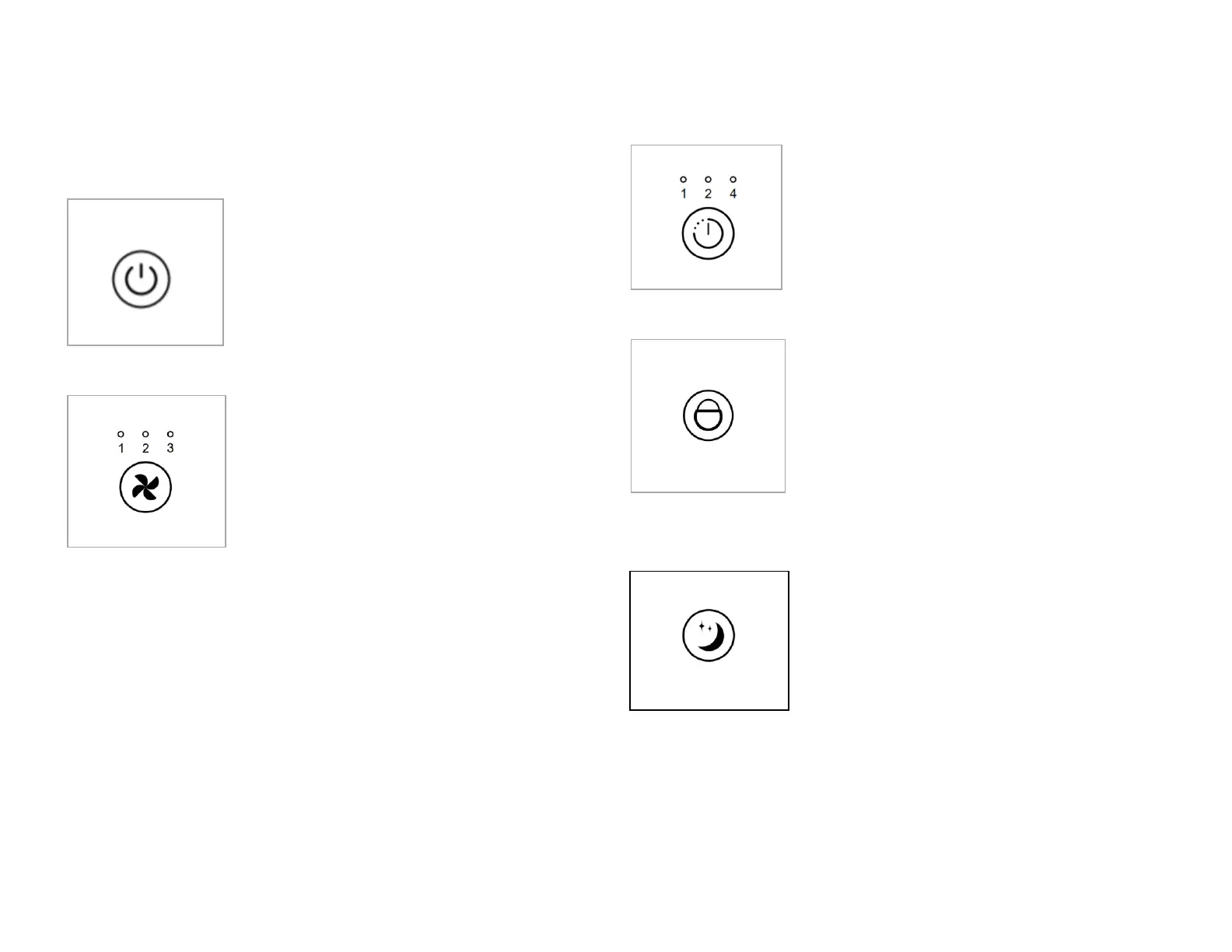
Power Button
Press the button to switch on the device, the
device always starts operating in level 2 and
ionizing function turns on.
Press the button again to switch off the
device.
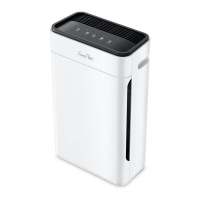
Press the speed button repeatedly to
choose between the available fan speed
levels, setting as 2-3-1-2 cycling.
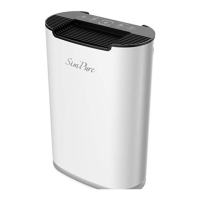
Use the timer button to select a time setting as 1-2-4-
0-1 hours. You can set a time-controlled switch on/off
for the device, upon expiry of the timer, the device
will switch on/off automatically.
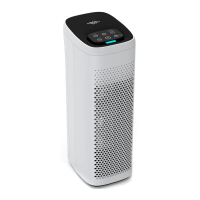
Press this button to keep the child from wrong
operation,with this operation, other buttons are not
working.
Press sleep mode button to enter sleep mode, all the
other indicators light off, while the button indicator
lights up. The device is running quietly at fan speed
level 1.


 To Next Page