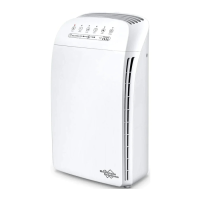
Filter Replacement
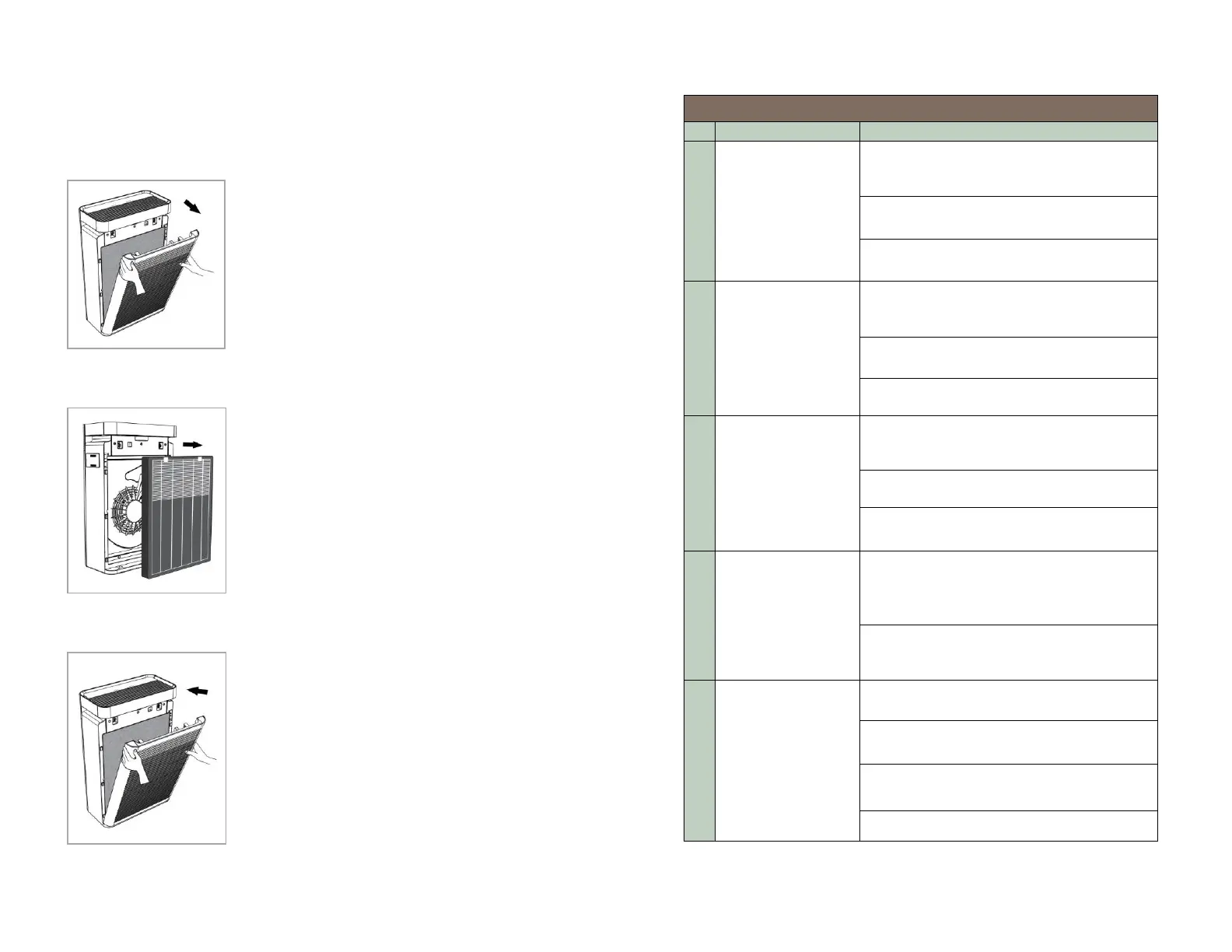
Step 1
Press the on/off button until the indicator
light is off, turn off the power, and unplug
the Unit.
Invert the purifier on a soft surface (to
avoid scratching the case). Pull the upper
part of the front panel to remove it from the
appliance, remove the two used filters.
Pull the tag of the Pre-filter+HEPA filter to
remove the filter from the appliance.
Install the New Carbon Filter, then Install
the New Pre-filer + HEPA filter (MAKE
SURE TO REMOVE ANY PACKAGING on
the FILTERS).
Mount the panel onto the bottom of the
appliance first.
Then, push the panel against the body of
the appliance.
The air purifier
will not turn on or
respond to on/off
button control
Plugthe air purifier into the power and
make sure the outlet switch is on (if
applicable)
Plug the air purifier power into a different
electrical outlet
Make sure the frontcover is fixed to the
unit tightly
Airflow is
significantly
reduced
Make sure the filter is removed from its
packaging.
Press fan speed button to increase fan
speed
The filter may be blocked, replace the air
filter.
Air Purifier makes
unusual noise
while the fan is on
Make sure the air purifier is operated on a
hard-flat even and dry surface
The filter may be blocked, replace the air
filter.
The air purifier may be damaged. Contact
SimPure
®
customer support
Strange smell
coming out from
the purifier
Do not use in a damp or wet environment.
If the filter becomes damp, replace the
filter and move the air purifier to a dry
area.
The carbon fitlter is exhausted, replace
carbon air filter
Poor air
purification quality
Press fan speed button to increase fan
speed
Close doors and windows while using the
air purifier
Make sure the air filter is removed from
its packaging


 To Next Page