7
1
2
4
5
6
8
9
10
11
18 – Operating Your Machine
English
18 – Operating Your Machine
English
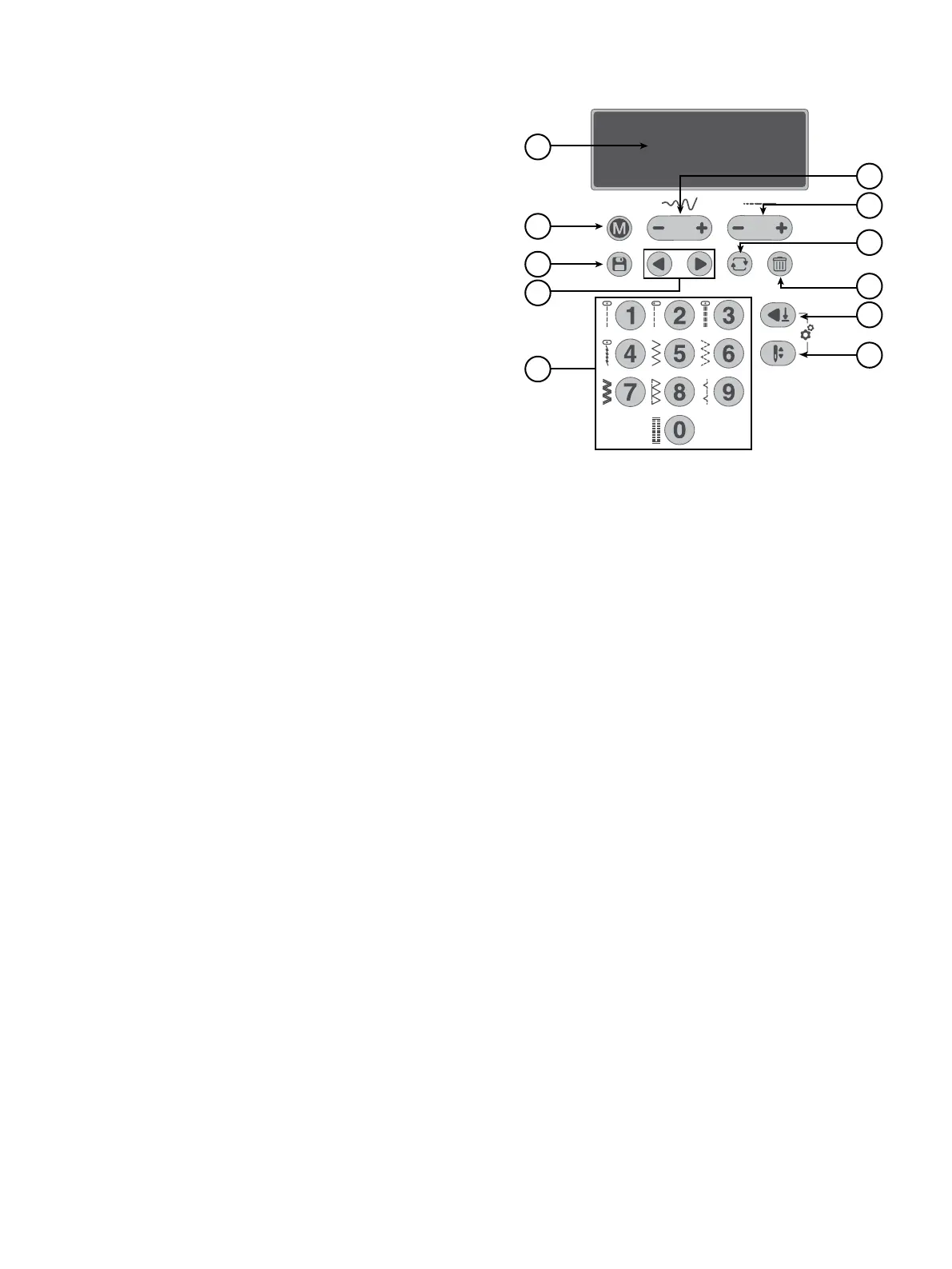
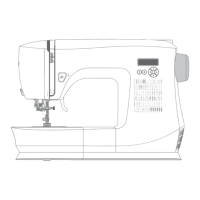
The functions on the Stitch Control Panel are used to select and
adjust stitches and program fonts. Each functionality is listed
and described further below.
1. Display
2. Stitch menu / Sound on/off
3. Sequence mode
4. Selection arrows
5. Stitch selection buttons
6. Stitch width
7. Stitch length
8. Repeat program
9. Delete stitches in program
10. Automatic stop setting button
11. Needle up/down setting button
On the display, you can see the current stitch with the set len-
gth, width and presser foot recommendation. You can also see
activated functions such as bobbin winding, buttonhole sewing
and bobbin winding.
Press to toggle between the Stitch Menus. There are four stitch menus, 1. Utility Stitches, 2. Utility & Decorative Stitches,
3. Decorative Stitches, and 4. Alphabet. The selected menu is shown on the display.
This button is also used to turn off the machine sound. Press and keep depressed for 2 seconds with the machine turned on, and when
an audio beep is heard, the sound is turned off. Press for 2 seconds until two audio beeps are heard and the sound is turned back on.
The setting remains even if the machine is turned off.
When you select a stitch, your machine automatically sets the best stitch width. The default setting is indicated on the display. The
stitch width can be adjusted between 0–7mm. Some stitches have a limited stitch width. Increase the stitch width by pressing “+”,
decrease it by pressing “-”.
When a straight stitch or a reinforced straight stitch is selected, the Stitch Width button is used to adjust the needle position. When
pressing “+”, the needle position is moved to the right. When pressing “-”, the needle moves to the left. The current needle position is
indicated on the display.
When you select a stitch, your machine automatically sets the best stitch length. The default setting is indicated on the display. The
stitch length can be adjusted between 0–4.5mm. Some stitches have a limited stitch length. Increase the stitch length by pressing “+”,
decrease it by pressing “-”.
The corresponding stitch numbers are shown on the Stitch Charts available to slide forward and view at the lower right of the machi-
ne.By pressing the stitch numbers in quick succession you will be able to select a stitch from the selected stitch menu. If the stitch
number does not exist in the selected stitch menu, the machine beeps.
Stitch Control Panel
Display
Stitch Menu / Sound On/Off
Stitch Width / Needle Position
Stitch Length
Stitch Selection Buttons





 To Next Page