7 8 10
11
12
9
5
1
2
3
4
Introduction – 1
English
Introduction – 1
English
INTRODUCTION
Optimal use and maintenance are described in these instructions. This product is not intended for industrial or commercial use.
Additional assistance, by region, may be found online at www.singer.com.
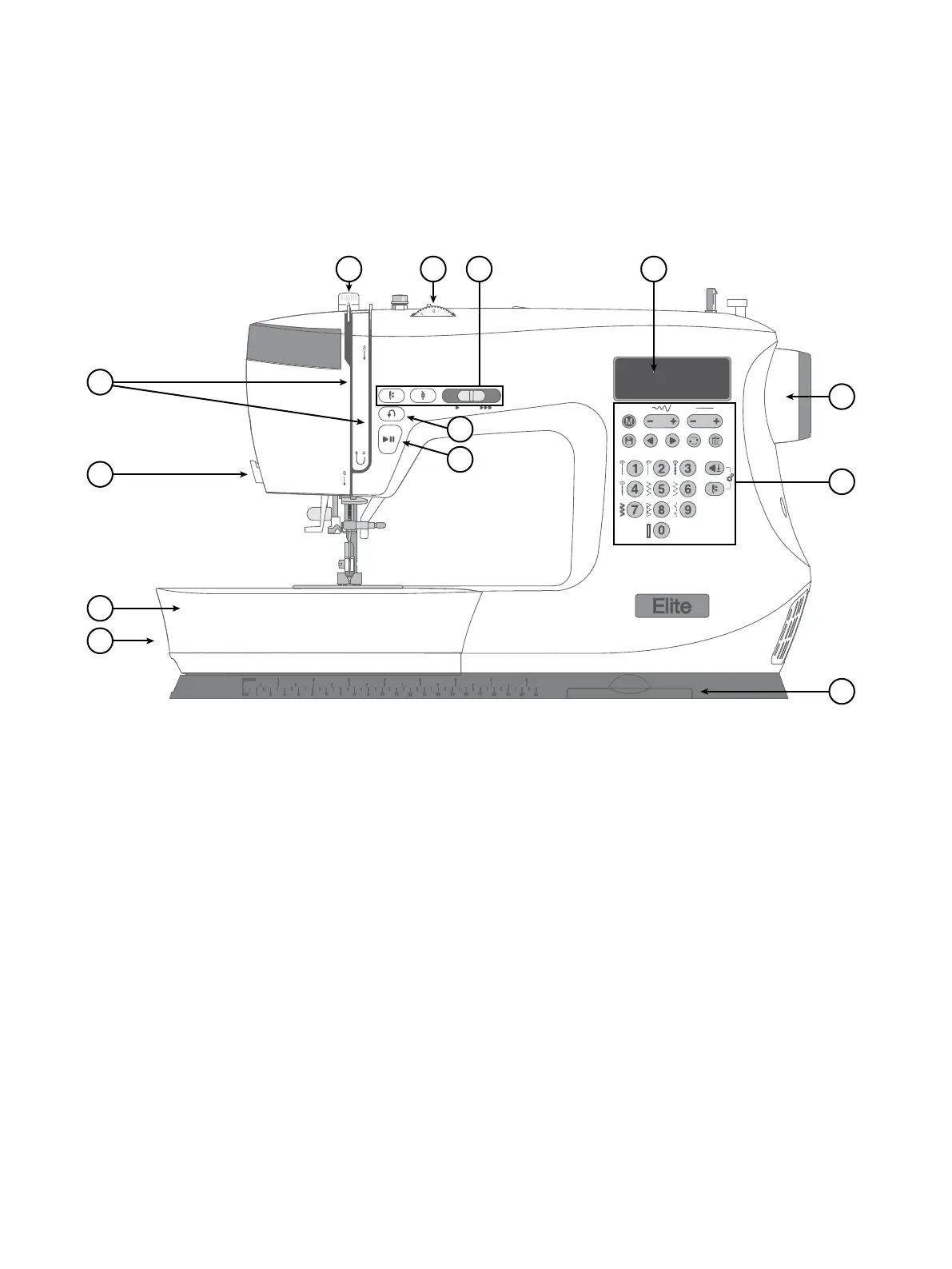
1. Feed Teeth Lever — move from side to side to engage or
disengage the feed teeth. Positioned at the back of the free
arm.
2. Accessory Tray / Free Arm — provides a at surface when
sewing and allows storage for your accessories. Remove the
accessory tray to use the free arm which makes it easier to
sew, e.g., trouser hems and sleeves.
3. Thread Knife — for trimming thread ends at the end of
sewing.
4. Threading Slots — thread paths with tension discs and take up
lever.
5. Reverse Button — Press and hold to sew in reverse, e.g., when
securing the beginning or ending of a seam.
6. Start/Stop Button — Press to start and stop sewing without
using the foot control.
7. Presser Foot Pressure — controls the pressure the presser foot
exerts onto the fabric.
8. Thread Tension Dial — adjustable for setting the desired
tension for your stitch, thread and fabric.
9. Machine Operation Controls — functions used to make
your sewing more convenient (see page 17).
10. Display — Current stitch and settings are displayed.
11. Hand Wheel — used to manually control the movement of the
needle and the thread take-up lever.
12. Stitch Control Panel — Choose stitch menu, select stitch and
adjust your stitch settings with these buttons. Here you also
nd functions for sequencing (see page 18-19).
13. Stitch Charts — Slide forward and view all stitches available
on your machine.
Intended Use
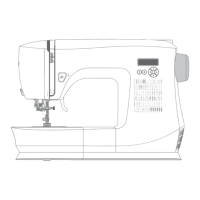
Machine Overview





 To Next Page