© May 2023
104
GTZZ14EJ&16EJ Maintenance Manual
CONTROL SYSTEM
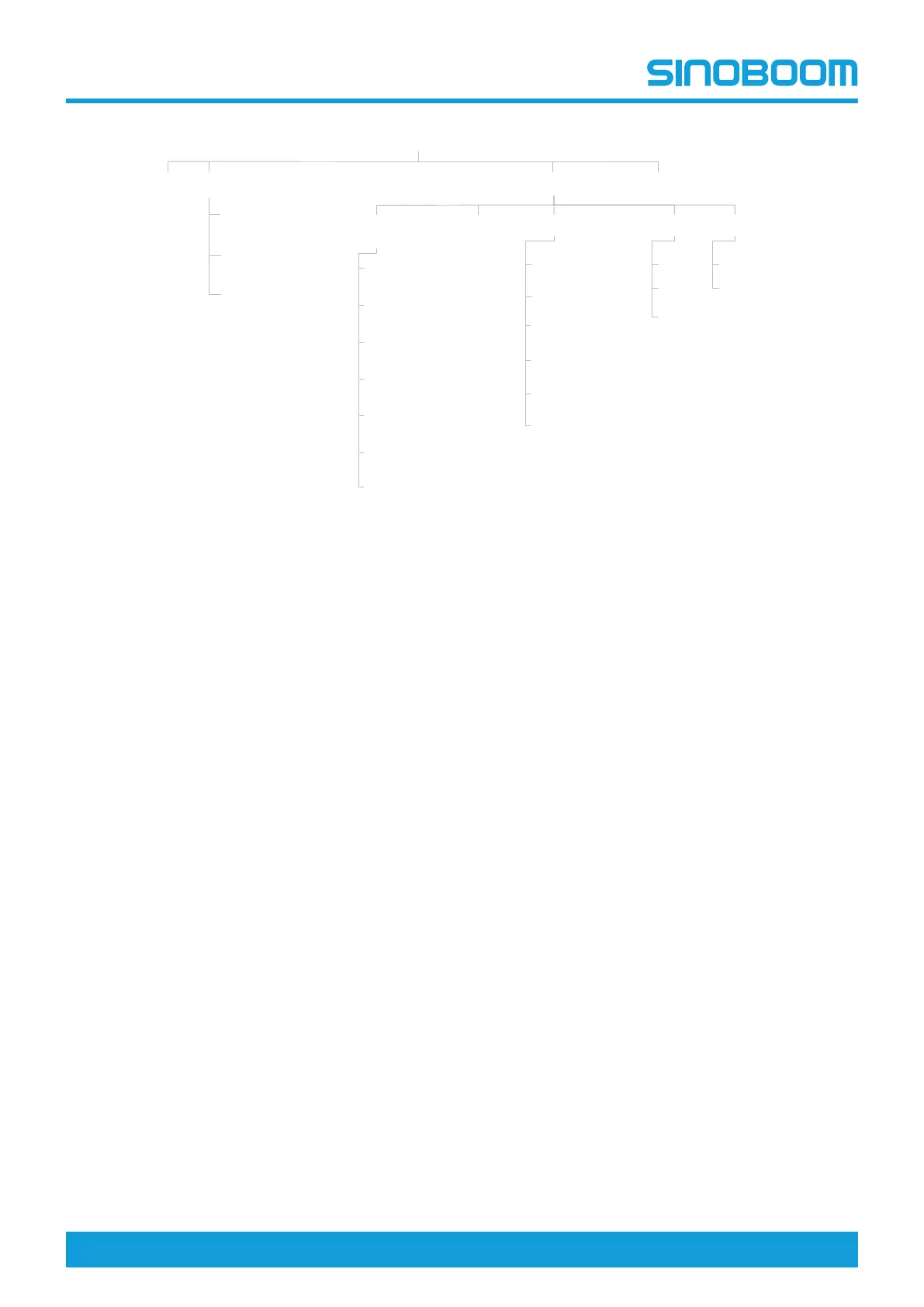
Fig 1 Display interface navigation diagram
10.2 HOME INTERFACE AFTER
BOOTING
Turn the ground/platform selector switch on the turnta-
ble controller to the ground control position,pull outthe
emergency stop button to the ON position, the system
will be powered on.
Main Interface
State Monitor
Faults
Setting
Machine State (1/3)
Machine State (2/3)
Machine State (3/3)
Time Setting Machine Information
PD Model
PD Number
Machine Parameter Setting
Machine Parameter Setting (2/7)
Machine Parameter Setting (3/7)
Machine Parameter Setting (1/7)
Machine Parameter Setting (4/7)
Machine Parameter Setting (5/7)
Machine Parameter Setting (6/7)
Machine Parameter Setting (7/7)
Turntable Program Version
Platform Program Version
HMI Program Version
Clear Current Working Time
(Access with a password)
Language Unit
中文
English
日本語
Internation
Imperial
Home
主界面
状态监控
故障查询
参数设置
检测开关状态
手柄状态
电位器状态
电机控制器状态
传感器状态
系统时间设置
设备信息
产品型号
产品编号
设备参数设置
传感器标定
超重限制
手柄标定
行走限制(工作状态)
位参数设置
解除互锁(行走/臂架)
标准设置
清除总工作时间
产品编号设置
恢复总小时数
转台程序版本号
平台程序版本号
显示屏程序版本号
清除当前工作时间
(需密码进入)
语言设置 单位设置
中文
English
日本語
国际
英制
回到主界面



 To Next Page