27
6.9.2 Changing monitor’s output range:
1. Use the gravimetric measurement result and compare it to required
range (use the calibration formula below)
2. Go to parameter 0.: output scale (see Table 2. Parameter change
table)
3. Change parameter to the result calculated using the formula 1. given
below.
4. Go to the Save parameters (-SP) parameter and press button B or C to
save the changes.
CALCULATION OF VALUE FOR OUTPUT SCALE PARAMETER:
Formula 1. Output scale parameter
A = Result of gravimetric comparison measurement [mg/m
3
]
B = Maximum required range [mg/m
3
]
C = Desired full scale of the analog output i.e. 0 to 50 mg/m3
For example:
Result from gravimetric comparison measurement is A = 12 mg/m
3
Required maximum range for the unit is B = 50 mg/m
3
Output scale parameter:
Set the tenth parameter to correspond the output scale parameter (display left
digit indicator for parameter 10 is 0, see table 2.)
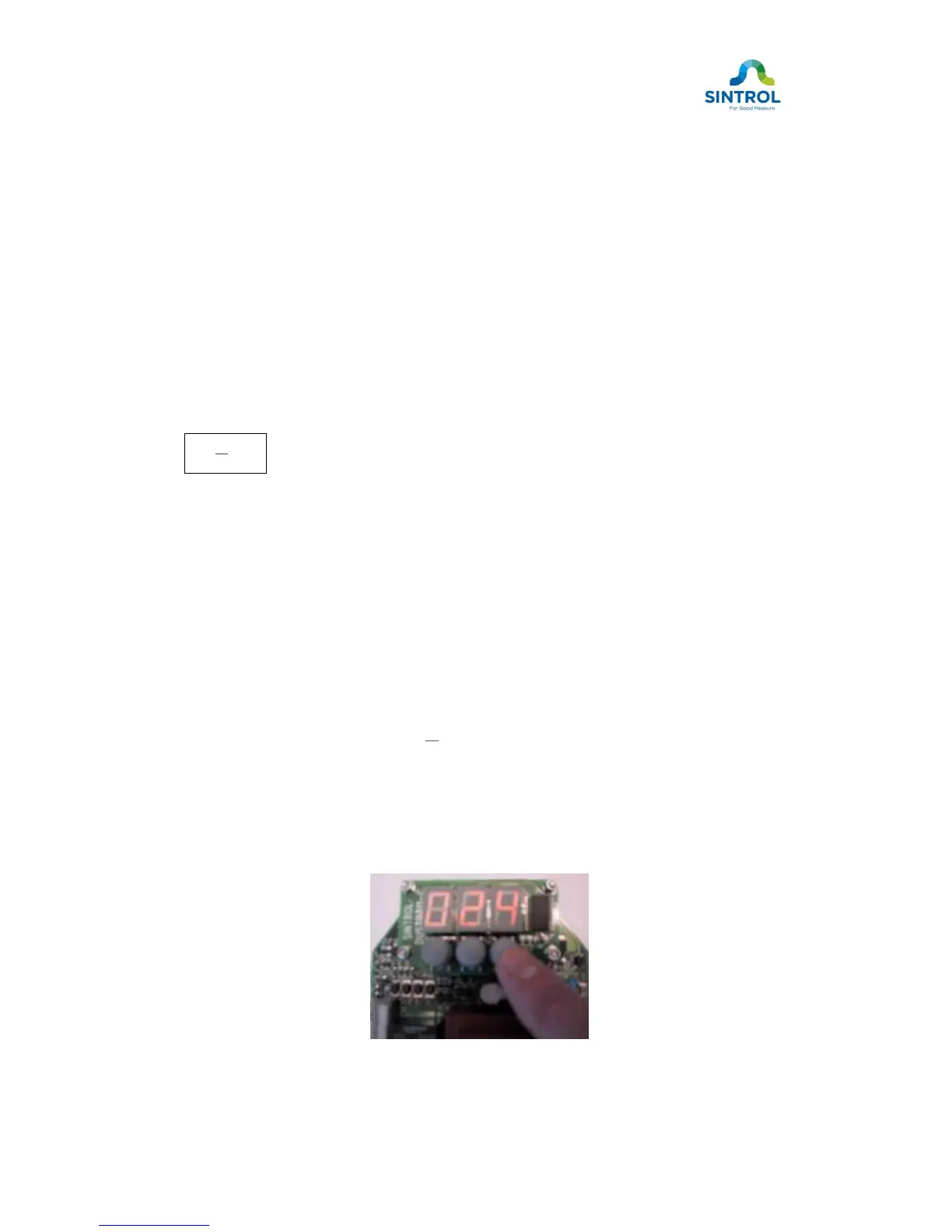
Figure 10. Changing the output scale parameter


 To Next Page