1 2 3
4
5 6
Reader Configuration
INfinity 510 User’s Guide, P1.04
9
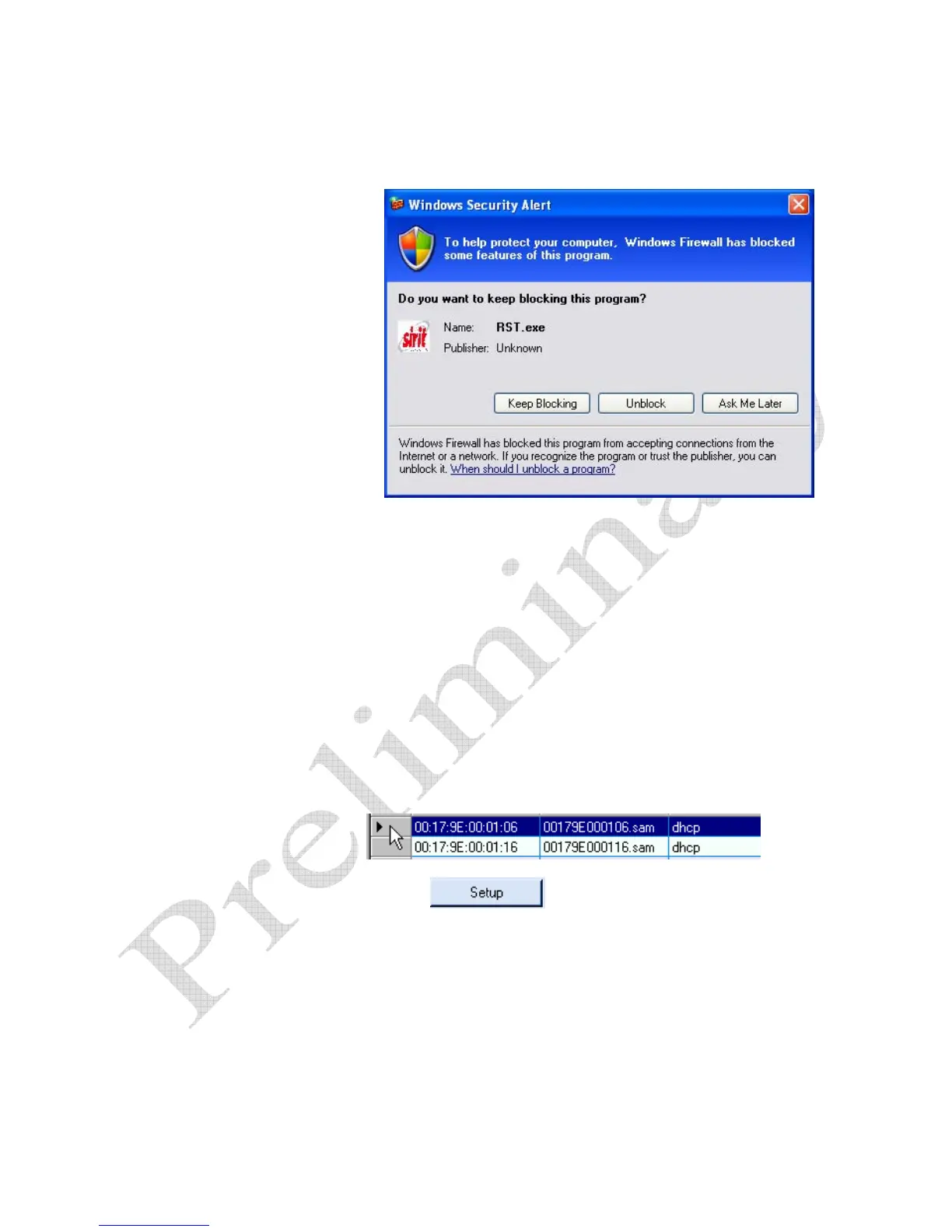
4 Press Unblock.
5 Press
Refresh on the RST
6 The RST main screen will display any readers currently connected to
the network.
Initial Reader Setup
To configure a specific reader, perform the following:
Reader Setup
1 Select the reader on the main RST screen by clicking the button to the
left of the reader Mac address.
2 Press the
button on the RST window.
3 The INfinity 510 Setup Wizard is displayed.


 To Next Page