1 2 3 4
5
6
Reader Operation
14
INfinity 510 User’s Guide, P1.04
Reader Operation
Basic Operation with the Reader Operation Tool
The INfinity 510 can be operated either from the RST application or by
logging directly into the reader’s embedded web interface. To operate the
reader from RST, perform the following:
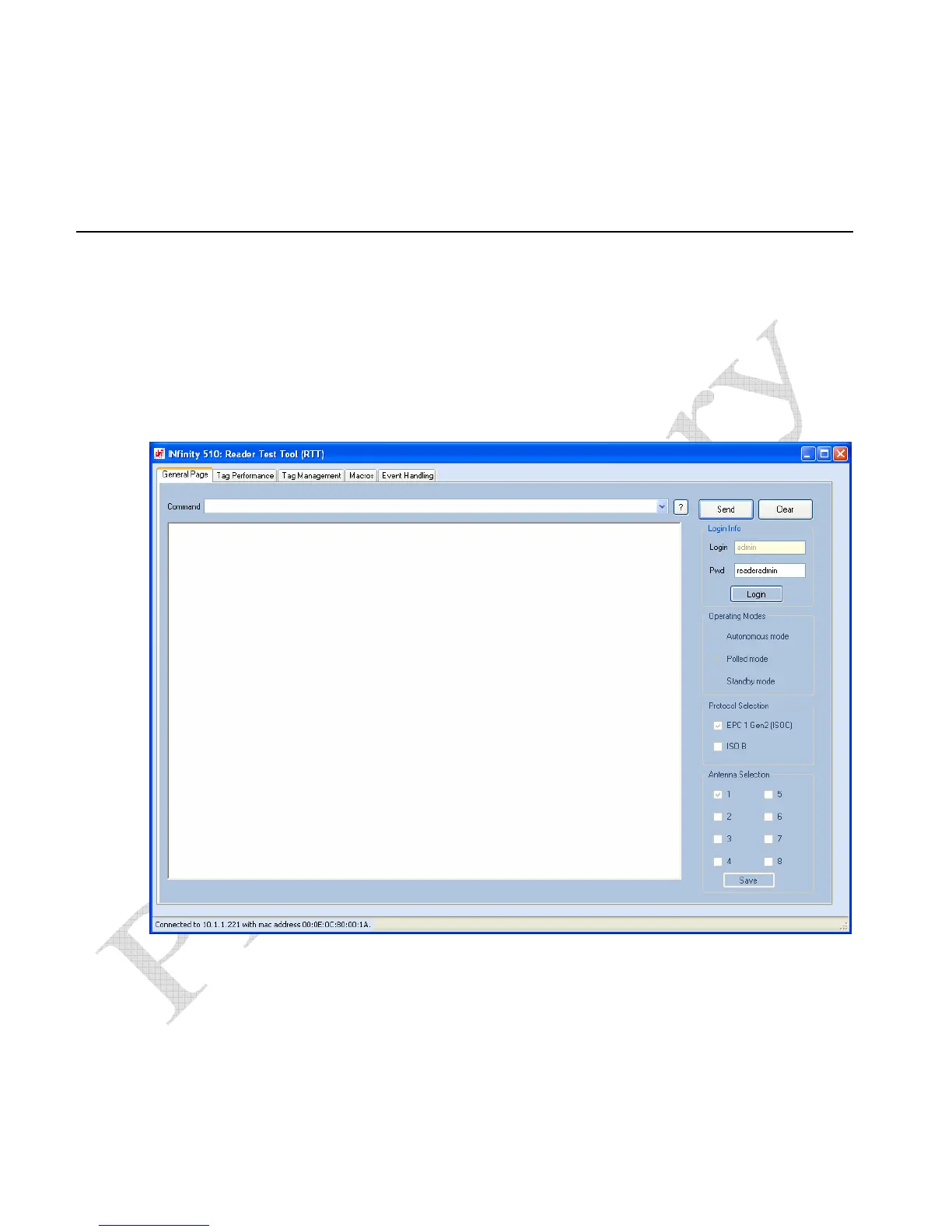
1 From the RST main screen, press Operate Reader. The Reader
Operator Tool (ROT) is displayed.
2 Login to the reader. The initial password (
Pwd) is readeradmin. See
the Advanced Setup section for details on changing the password.
3 Verify the Operating Mode is set to
Polled Mode.


 To Next Page