1 2 3 4
5
6
Reader Operation
16
INfinity 510 User’s Guide, P1.04
Advanced Setup
You can also customize the reader setup to more closely match your
installation. This is performed by logging directly into the reader’s
embedded web interface. You can access this interface from RST. Perform
the following:
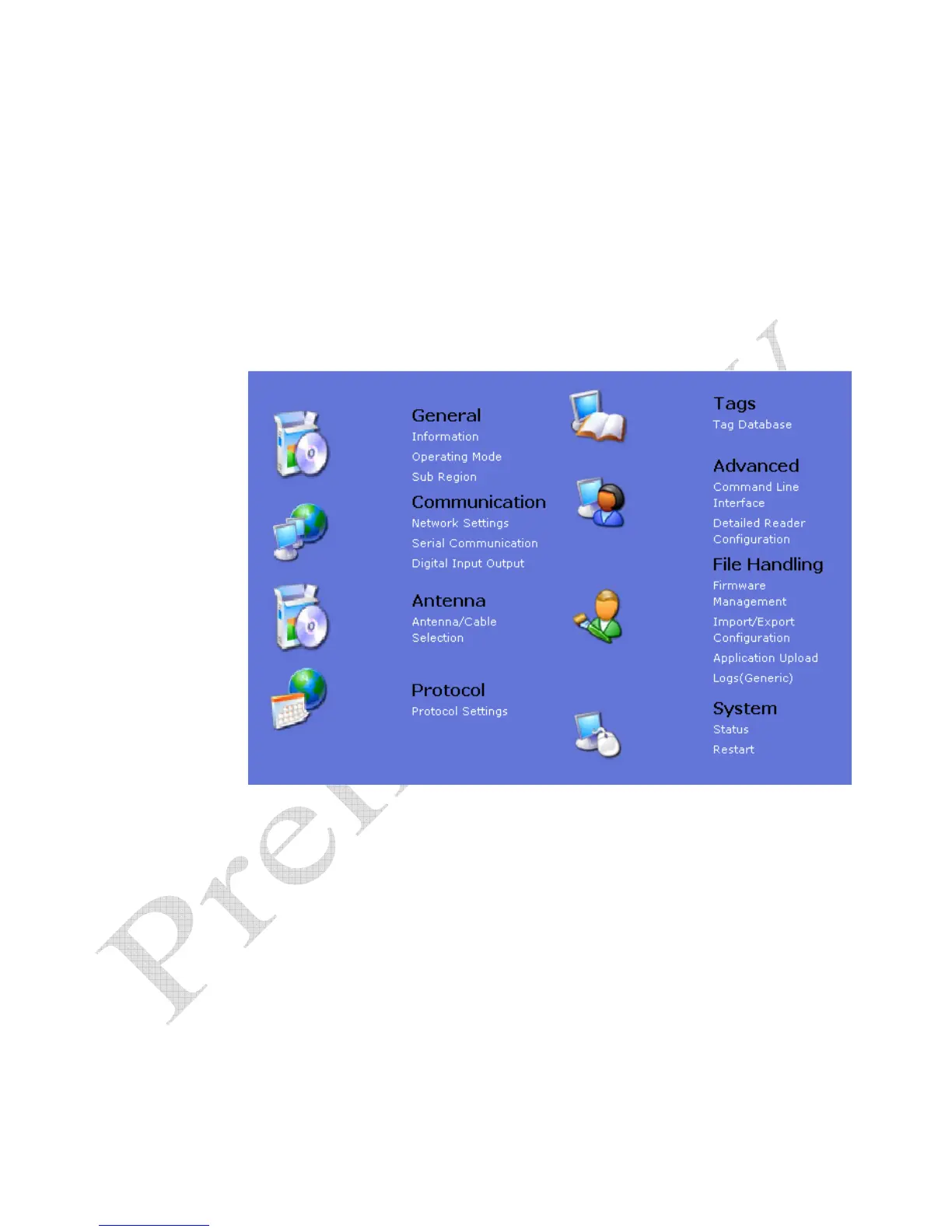
1 From the RST main screen, press Configure. The INfinity 510 Reader
Configuration Tool (RCT) is displayed.
2 Select the specific configuration category and follow the instructions.


 To Next Page