1 2 3
4
5 6
Reader Configuration
8
INfinity 510 User’s Guide, P1.04
Reader Configuration
Start RST
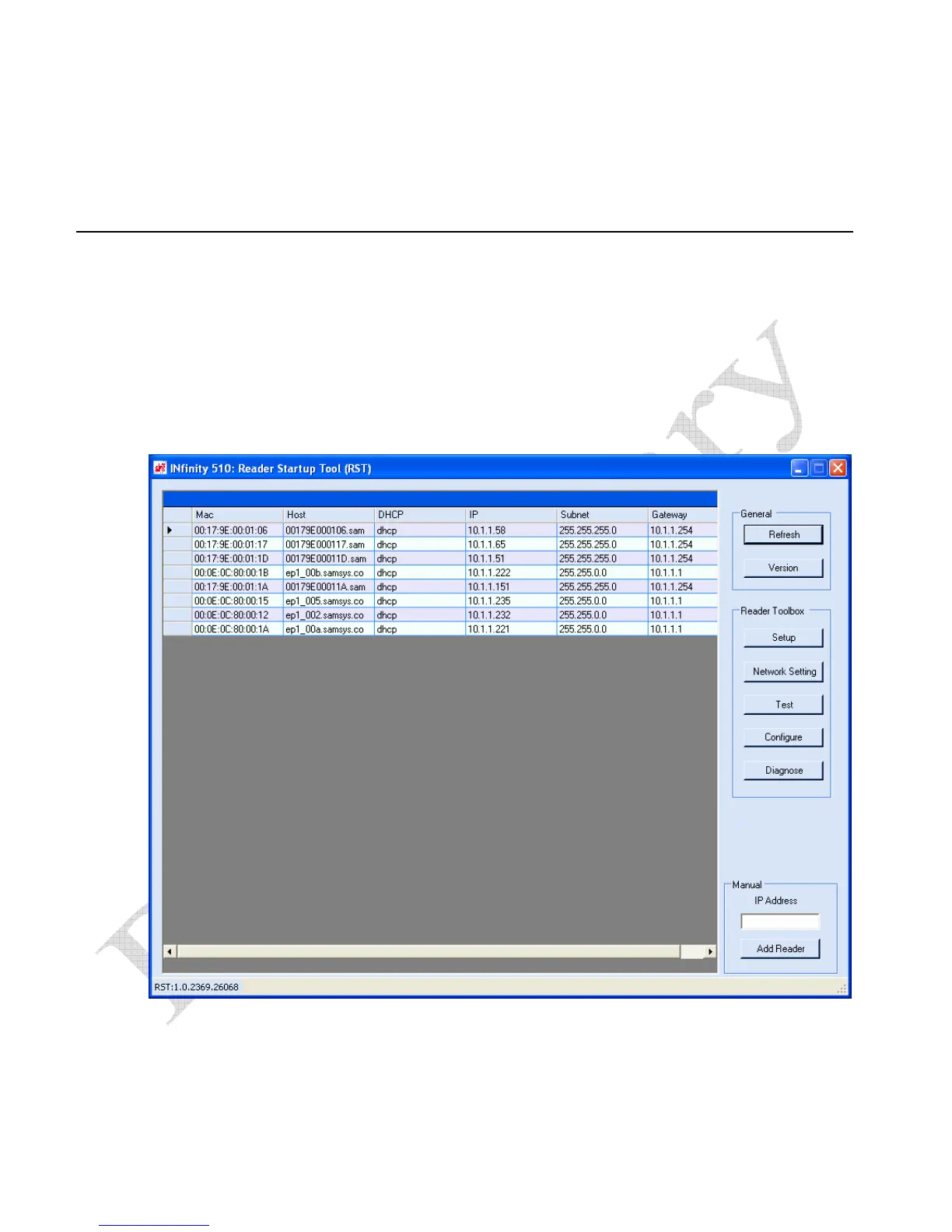
To start your reader configuration, open the RST application.
Open RST
1 From your Windows desktop, select:
Start→Programs→Sirit→INfinity510→Reader Startup Tool
2 If this is the first time starting the RST application, you may receive a
Windows Security Alert. This warning indicates that the firewall is
blocking the RST application.
3 If the warning window is hidden under the RST windows, collapse the
RST window.


 To Next Page