Definitive stop, generated by a digital sensor connected to a input; when this occurs, the program under
way is cancelled and any irrigation about to start is blocked until the definitive stop has not be canceled
in the manual function.
Postponed for filter cleaning, displayed when having to stop the irrigation of sectors while a cleaning is
taking place, restarting it when terminated.
Postponed due to fertilizer overlap, the program is kept on standby until another program containing a
shared fertilizer terminates, thus preventing two simultaneous fertilizer commands.
Postponed due to sector limit, the program is kept on standby when the maximum number of sectors ac-
tively irrigating at one time is reached; the value can be configured from 1 to 8.
Postponed due to device in Stop, indicates programs underway have been placed on standby in order to
make a Stop in the “Manual - Stop” function: they will restart in the same point when the Stop is ended.
Postponed due to conditional stop, generated by a digital sensor connected to a input, which causes a
conditional stop in irrigation programs under way; when the sensor condition ends, the programs will re-
start with the units that are pending.
Postponed due to sector already active, when a program is started it will be kept on standby until another
containing the same irrigation sector has not finished.
Each program independently will display its irrigation units in the format in which they have been configured.
The fertilizer units will be shown in the same format for all the programs, in time or volume.
When an irrigation program is sequential to another, this will be indicated on the last line; in addition, if the
alternate sequencing operative has been activated, it may display “alternate start” when it comes time for this pro-
gram to start the next sequence.
10.3. CONSULTATION - SECTORS
Each sector consultation displays its current status: active, stopped, in manual operation or manual stop, the
program which contains it and the irrigation units still pending.
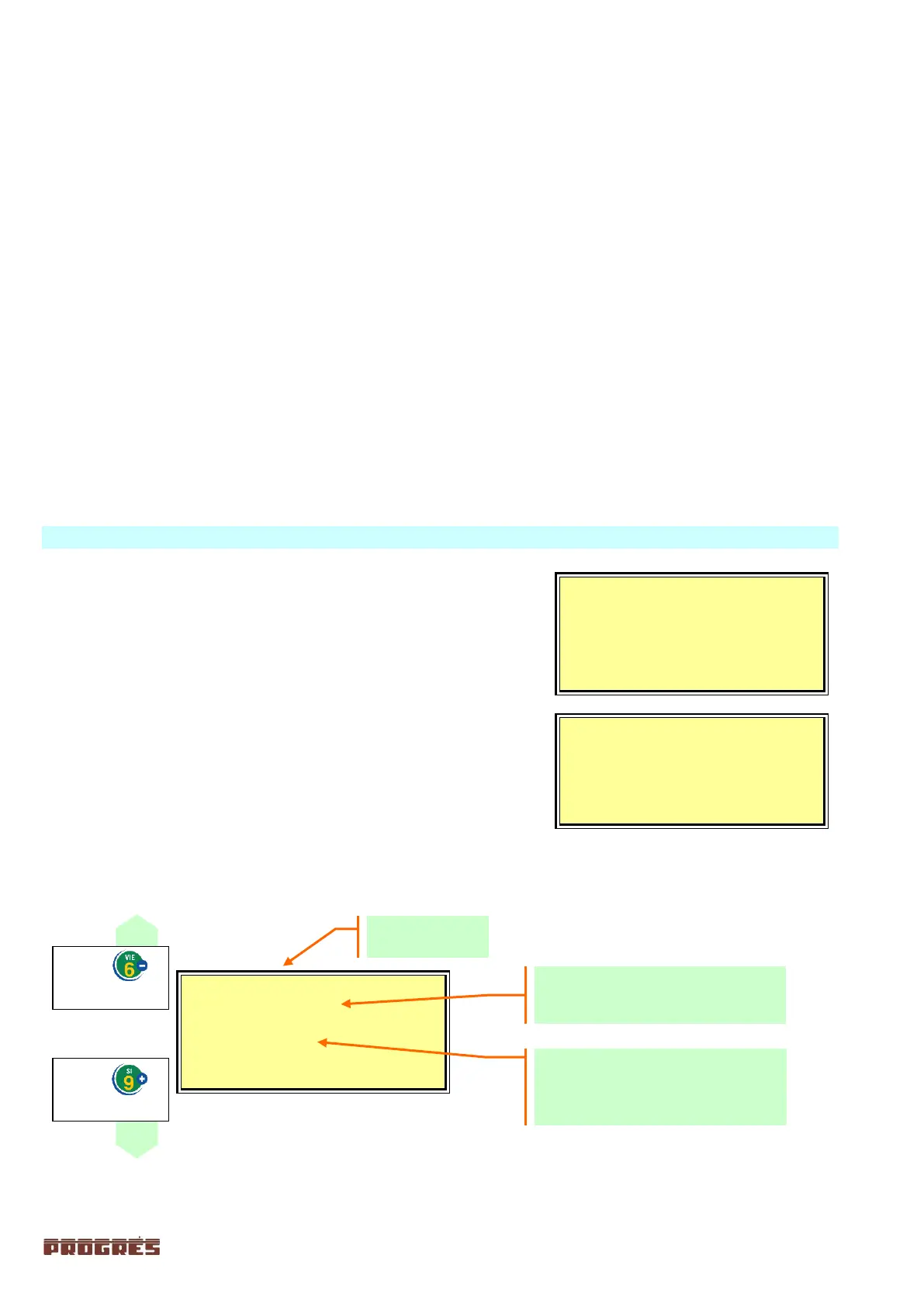
When entering sector consultation, the first screen dis-
plays the first twenty sectors and their status reports.
The status is found to the right each sector number and
is indicated by the following symbols:
Point “.” = sector inactive
R = irrigating
Press the down arrow to display the next screen or the
up arrow for the previous one.
To see the full report on a sector, you must enter the
number and then hit the “ENTER” key.
To return to the consultation menus, press the “CON”
key, or the “FUN” key to return to the functions menu.
Sector status:
- Stopped
- Active
Irrigation formats:
Time= 00:00 (hours / minutes)
Volume= 00000 m3 to 000.00 m3
Volume and time= 00000 m3 00:00



 To Next Page