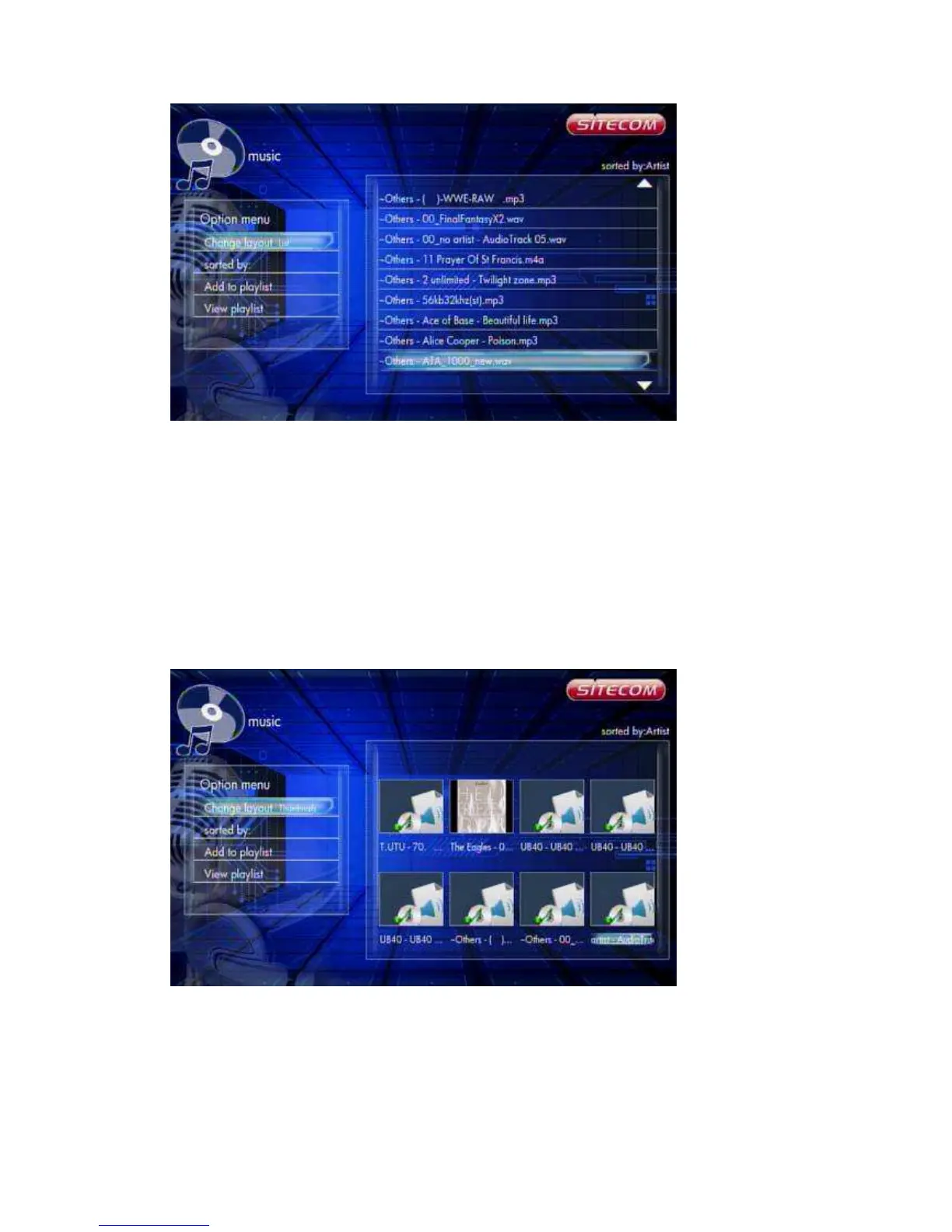
Pressing the ‘Option’ button in the Music browser will pop up the Option window
which can switch the browsing file mode. You have the following options:
Thumbnail
List
Preview
Use the arrow ‘Up’ and ‘Down’ buttons to select and press the ‘OK’ button to confirm.
6.5.2.2 Thumbnails
Music -> Press ‘Option’ button -> Thumbnails
If there is at least one image file in the directory then the directory will have a
thumbnail which is made from this image file. Otherwise it will have a normal
thumbnail made from the default directory picture.
6.5.2.3 List



 To Next Page