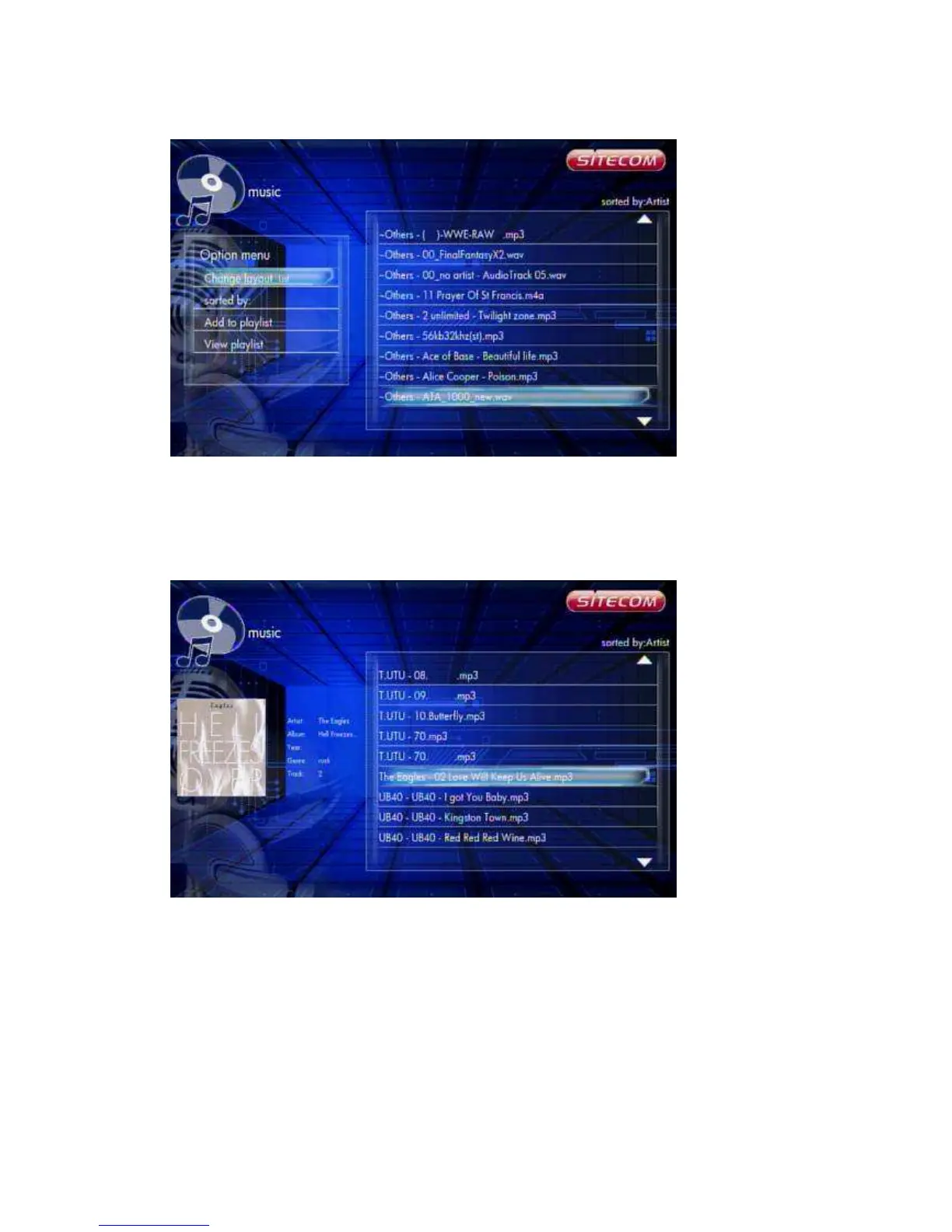
Music -> Press ‘Option’ button -> List
The Music file browser display files as a ‘List’.
6.5.2.4 Preview
Music -> Press ‘Option’ button -> Preview
Use this option to preview the file information. When you focus on a file, it will show
the information in the preview window on the left.
6.5.2.8 Sort by Artist
Music -> Press ‘Option’ button -> Sorted by -> Artists
The files are sorted by Artists.
6.5.2.8 Sort by Alphabet



 To Next Page