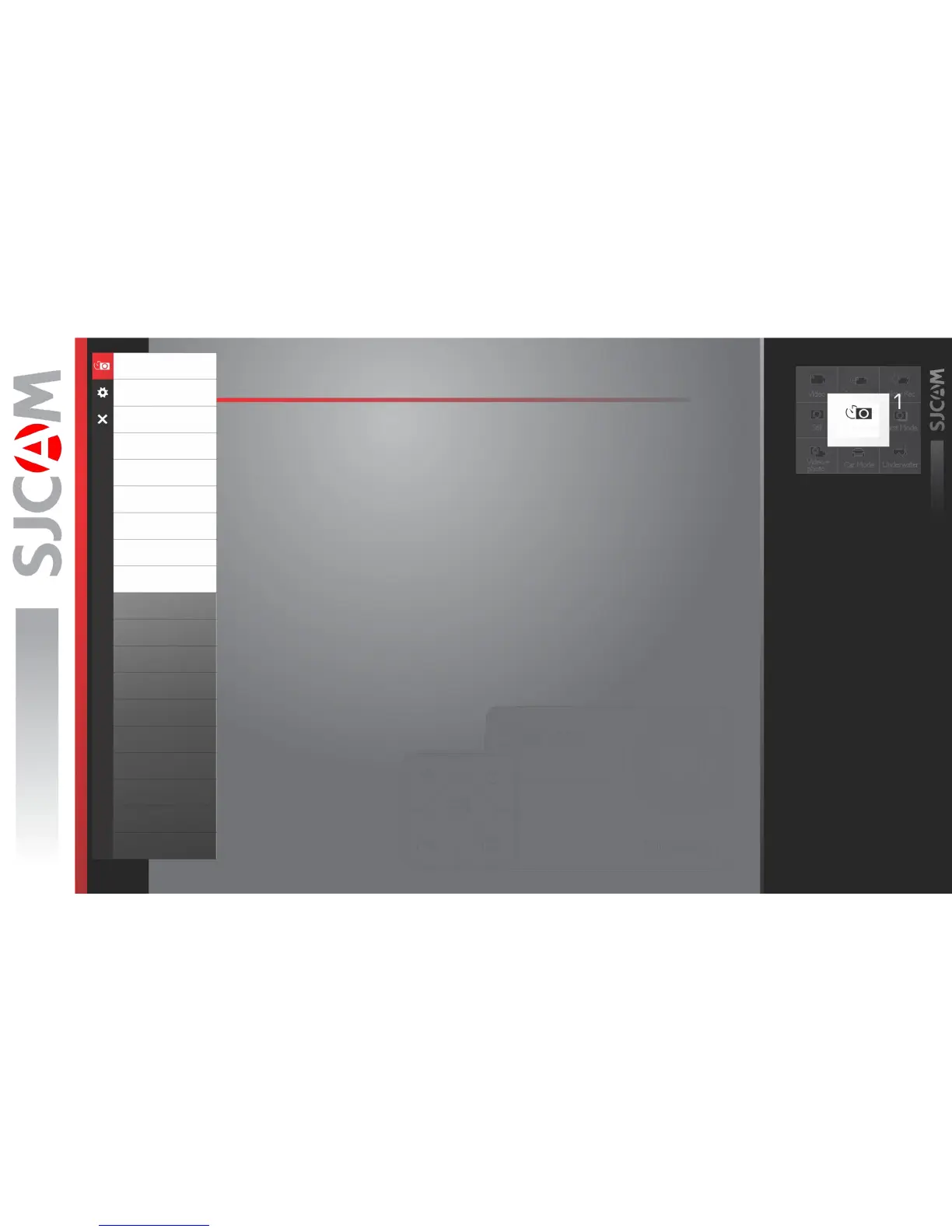
PHOTOLAPSE OPTIONS
PHOTOLAPSE TIME › Sets the interval between shots.
EXPOSURE TIME › Sets how long the sensor collects light through the lens.
IMAGE SIZE › Changes the size of still photos that will be recorded. Of course, the bigger
the size the more detailed your pictures are, at the expense of filesize.
Available only in Photo modes.
QUALITY › Refers to how much compression the output image will have. The higher the
setting the bigger the file is, and will contain more detail.
SHARPNESS › Changing the sharpness setting will make your images either crisper or
smoother, adjust according to your preference.
SATURATION › For adjusting how vivid colors look like when recorded into the file.
CONTRAST › For adjusting how more or less pronounced the image sharpness is.
WHITE BALANCE › Adjusts the color temperature of the snapshot/recording to compensate
for ambient lighting.
COLOR › You are given 5 preset choices: Normal, B&W (Black and White), Retro (aka:
“Sepia tone”), Warm (slight reddish hue), and Cool (slight bluish hue).
WHITE BALANCE › Adjusts the color temperature of the snapshot/recording to compensate
for ambient lighting.
COLOR › You are given 5 preset choices: Normal, B&W (Black and White), Retro (aka:
“Sepia tone”), Warm (slight reddish hue), and Cool (slight bluish hue).
Photolapse
Resolution
VideoCoding
FOV
WDR
GyroSensor
Audio
Volume
Time Stamp
Bitrate
ISO
Sharpness
Saturation
Contrast
White Balance
Color
EV
Metering
DistortionCorrection
Time Stamp



 To Next Page