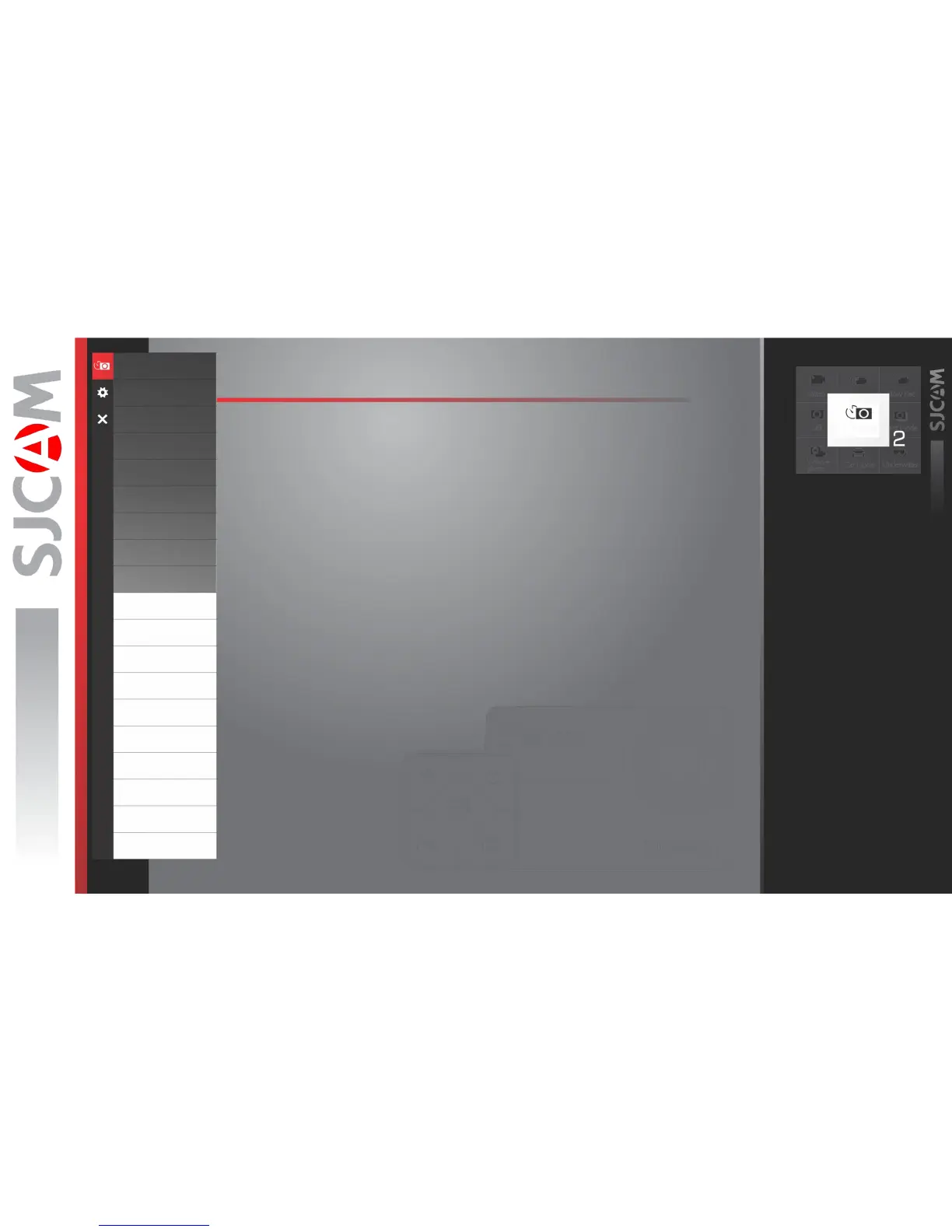
PHOTOLAPSE OPTIONS – Page2
Resolution
VideoCoding
FOV
WDR
GyroSensor
Audio
Volume
Time Stamp
Bitrate
ISO
Sharpness
Saturation
Contrast
White Balance
Color
EV
Metering
DistortionCorrection
Time Stamp
ISO › Sets he image sensor's sensitivity to light. Choose “Auto” on your camera if you are
not familiar with this setting. Depending on the lighting conditions, use the lowest ISO
whenever possible, as higher settings will introduce more noise while pixel sensitivity
also goes up. Adjust depending on your preference.
EV › Exposure Value - Changing EV compensates for the amount of light that is allowed in.
You can change this value to a lower setting if the scene is too bright, to compensate.
Or higher, if it is too dark, but still depends on your desired effect.
A higher EV will take longer for a photo to be taken, and will add blur to videos as each
frame takes longer to expose.
METERING › Prioritizes the brightness level of specific parts of the scene
depending on the Metering Mode that is used: Average, Center Weighted, or Spot.
RAW › When turned on, an uncompressed file separate from the JPG image will be written
on the card for the purpose of editing later. Use an external photo editing software to make
adjustments before saving to your intended filetype.
WDR › Automatically adjusts the range of brightness-to-darkness that the camera will record.
When turned on, it will help balance your pictures by adjusting the contrasts.
DISTORTION CORRECTION › Since the lens of your action camera has a very wide
FOV (Field of View), your camera will try to fit everything in, and will result in the center
appearing to be distorted or bulging. When on, this feature will straighten the image.
TIME STAMP › When enabled, will display the date and time of your recording.
Photolapse



 To Next Page