28
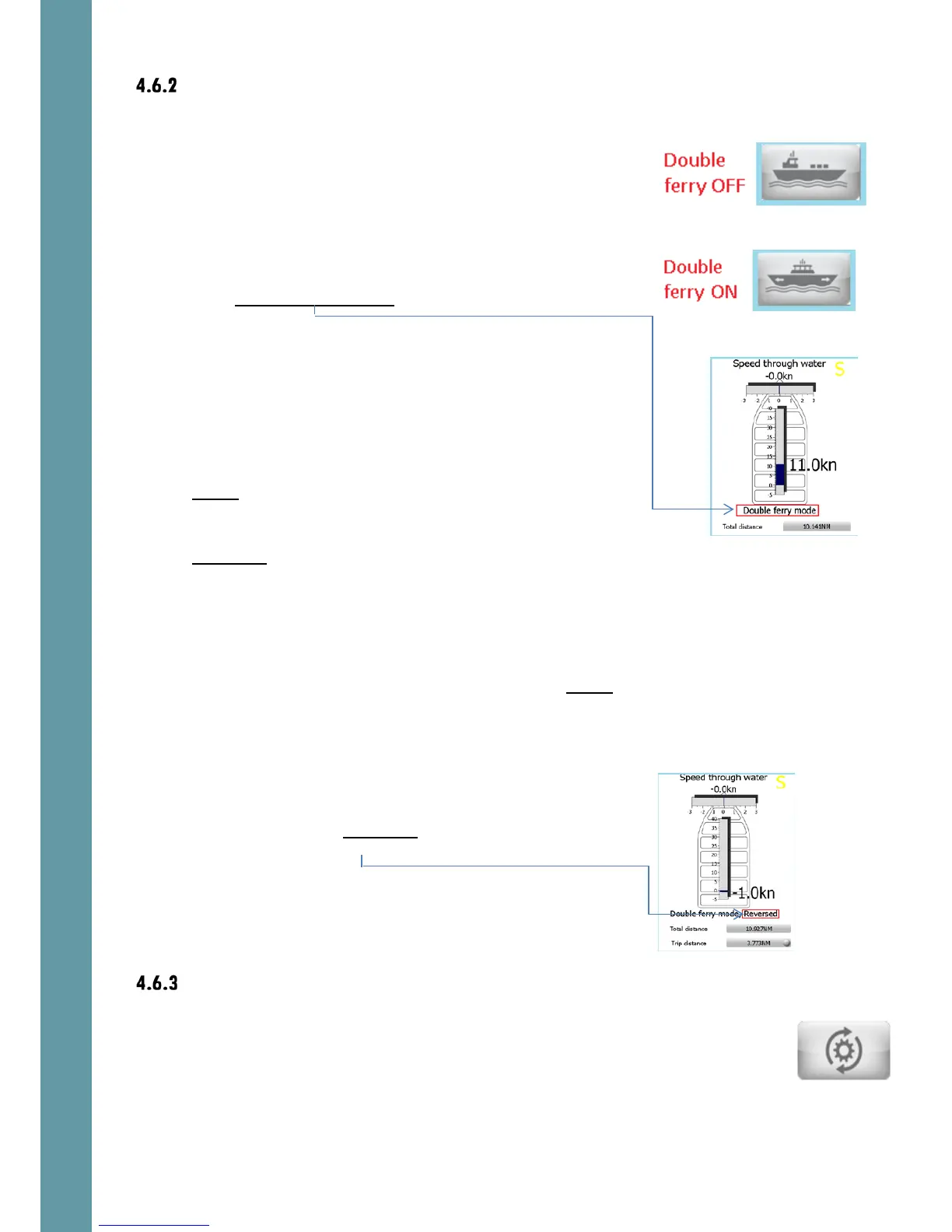
Double ferry mode
Default setting is OFF
The double ferry mode activation/deactivation button.
If the function is active:
• The “Double ferry mode” text indicator appears on
Screen 1
• In order to work properly in both directions of vessel’s
movement, one of the Pulse inputs must be
configured as the Direction selector, ref 5.6.4
Ref 8.2.6 for hardware connections of the direction
control voltage-free switch
• The VBW speed values on NMEA output ch1 are the
same as values measured by the sensor.
• The VBW speed values on NMEA output ch3 are
opposite to the values, which are measured by the
sensor.
• The VBW speed values on NMEA output ch2 depend
on the voltage level on the Pulse Input, which is
configured as Direction selector
If level is low, the VBW speed values are the same as
measured by the sensor.
If the value is high (reverse direction), the VBW
speed values are opposite to the values measured
by the sensor. “Reversed” indicator appears on the
main screen 1



 To Next Page