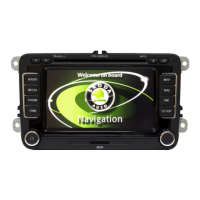
Selector key MEDIA 23
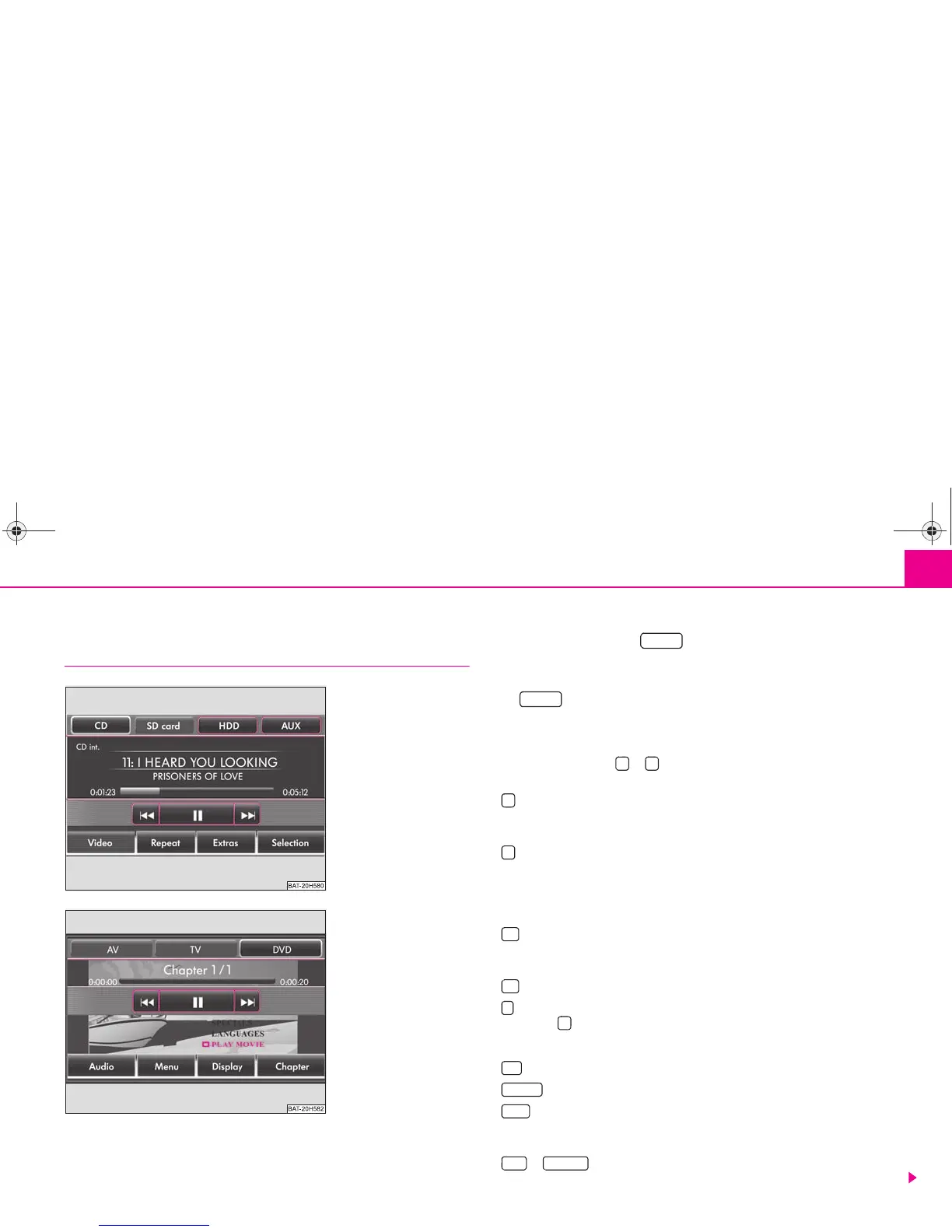
The main MEDIA menu
Overview of the main MEDIA menu
Depending on the selected media source, the main MEDIA menu is
provided as Audio Menu ⇒ fig. 8 or Video DVD menu ⇒ fig. 9.
Calling up the main MEDIA menu and changing media source
– Press the selector key to switch to the main MEDIA menu. The
last used media source will continue to play.
– If video and audio sources are currently selectable at the unit, use the
range selector key to change between the last audio and the
last video source.
Unit keys (Hard keys) for controlling the current audio or video source
The arrow keys on unit or will always affect the currently heard audio
source, irrespective of the current menu used.
– pressing this briefly changes over to the beginning of the current title or
chapter, repeated pressing changes over to the beginning of the previous title or
chapter.
– briefly pressing this changes over to the next title or chapter.
When in the menu of the currently played audio source it is also possible to change
titles using the setting up button.
Function keys for controlling the current audio or video source
– pressing this briefly changes over to the beginning of the current title or
chapter, repeated pressing changes over to the beginning of the previous title or
chapter.
– briefly pressing this changes over to the next title or chapter.
– Pause: The play function is stopped in the current position - the symbol
changes to , – pressing will continue the play function in this position.
Selectable audio sources in the audio menu
– changes over to an inserted CD/DVD.
– changes over to an inserted memory card.
– changes to the audio data stored on the internal hard disk ⇒ page 26. MP3
data and unprotected WMA data can be stored on the hard disk from all selectable
media (CD, DVD, memory card).
or * – changes over to an additionally connected external audio
source*. Operating an externally connected audio source is possible, with certain
Fig. 8 Main MEDIA menu:
Audio Menu.
Fig. 9 Main MEDIA menu:
Video DVD Menu.
MEDIA
MEDIA


 To Next Page
 Loading...