7
SKOPE VF Series
Operation
User Manual
2 Operation
Automatic Start-Up
After the cabinet has been positioned in a suitable place, plug it in and check
the following activity.
Loading Product
Let the freezer run for 30 minutes before loading it with product the first time.
When loading the freezer:
Allow adequate air space around each item to ensure even cooling and
efficient operation of the freezer.
Do not exceed a maximum load of 20kg per shelf.
Remove some product if the shelves are flexing.
Do not let anything overhang the shelves because this might stop the
doors from shutting or even break something.
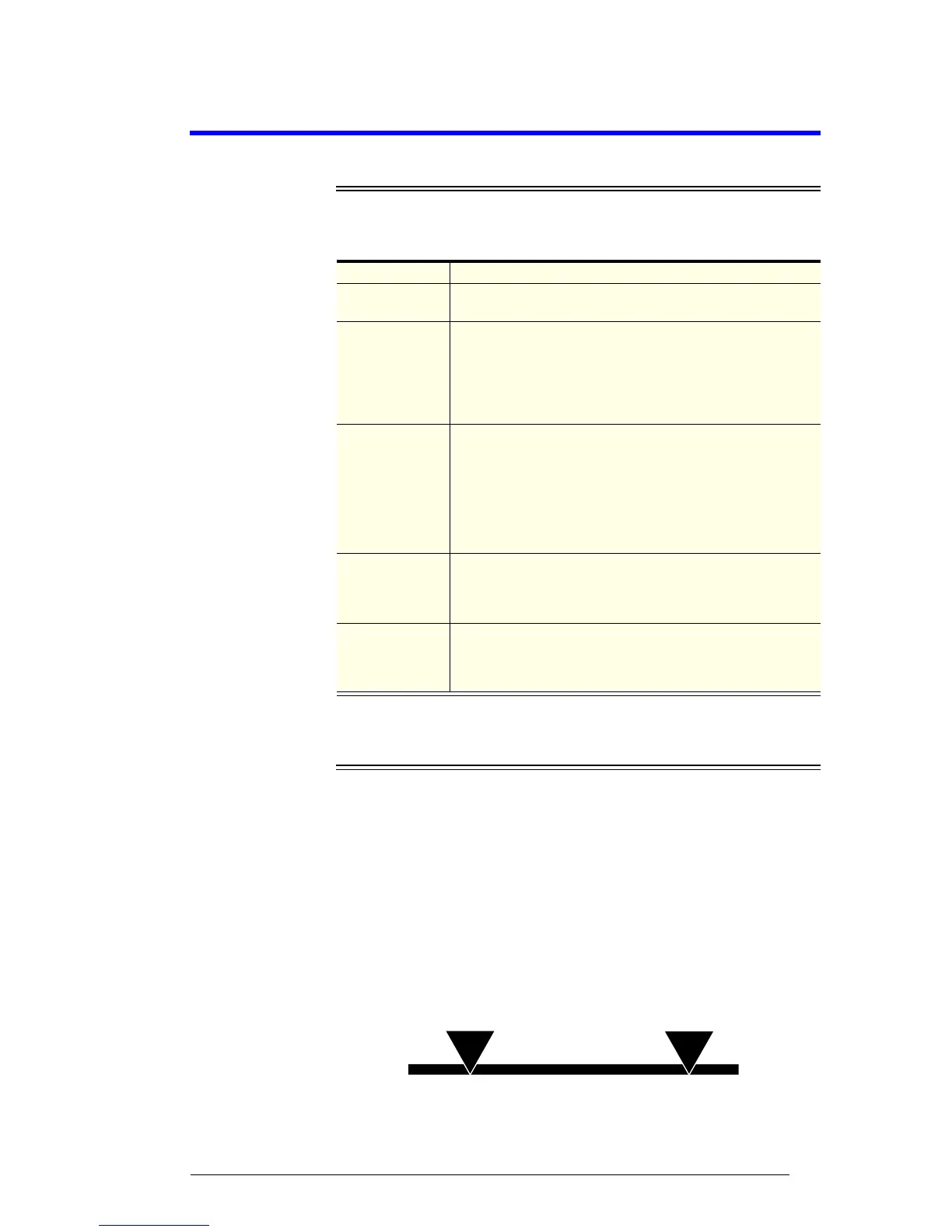
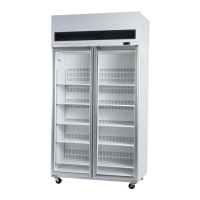
Do not load product above the load limit indicators shown on the cabinet
interior sides (see image below).
Item Activity
Condenser Fan
The condenser fan starts and runs at a slow speed. When the
compressor starts, the condenser fan will run at full speed.
Lighting
The lights that illuminate cabinet interior and top sign (where
applicable) will come on when the freezer is turned on. The
light/s can be switched on and off via the electronic controller
(see over page). Cabinets fitted with solid doors use an
automatic light switch to turn the light on and off with door
openings.
Electronic
Controller
An electronic controller runs the freezer and is visible on the
control panel above the door/s. The electronic controller
display panel shows the cabinet temperature.
Note: Twin unit freezers are fitted with two electronic
controllers, one for each refrigeration unit. Only one electronic
controller is visible.
Compressor
The compressor starts about one minute after the lights go on.
The compressor turns off when the product temperature
reaches around -21°C and turns on again when it reaches
about -18°C.
Evaporator Fan
The evaporator fan will not operate until the evaporator probe
senses a temperature of -8°C on the evaporator coil. When
the evaporator coil is below -8°C, the evaporator will run at
slow speed or fast speed as required.


 To Next Page