10
PART III : ELECTRONIC CONTROL INTERFACE
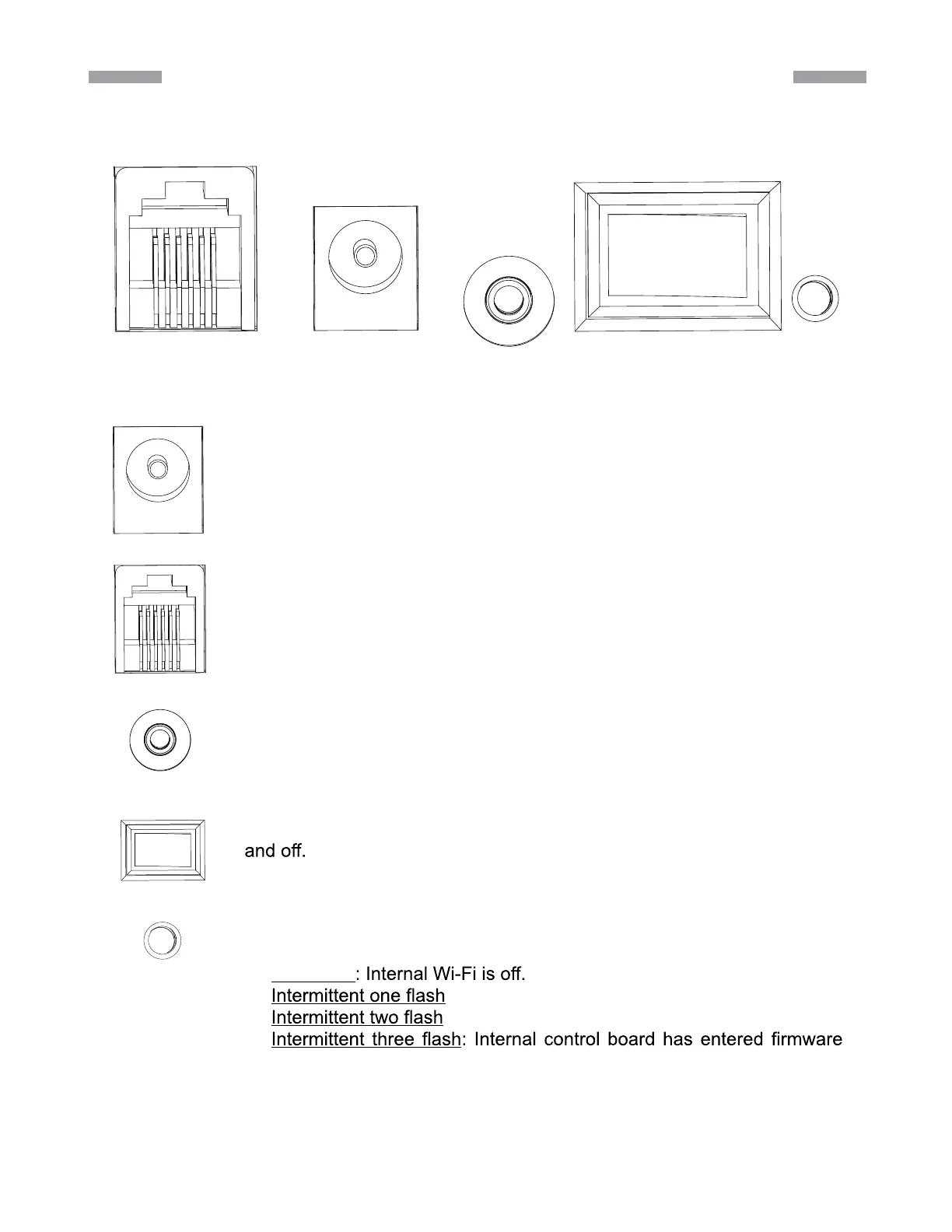
3.1 Control Panel
3.2 Panel Interface Components:
Hand Control Power SNAP NO OFF LED
The control panel of the AZ-GTix mount is shown below:
POWER: This is an input for external power to avoid running on the 8 AA
batteries in the AZ-GTix mount battery compartment.
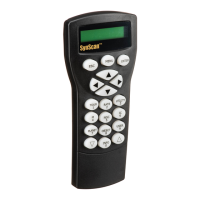
HAND CONTROL: This RJ-12 6-pins outlet is for connecting the Syn-
Scan hand controller.
SNAP: This is a stereo jack outlet to connect with a camera’s shutter
control port. The SynScan hand control can control the camera to take
pictures automatically via this interface.
ON/OFF Switch: Turns the power to the mount and hand controller on
Power LED: The power LED serves as a power-on indicator and provides
other statuses.
Steady on
: Internal Wi-Fi is on.
: App has connected to internal Wi-Fi.
update mode.
1.
2.
3.
4.




 To Next Page