13
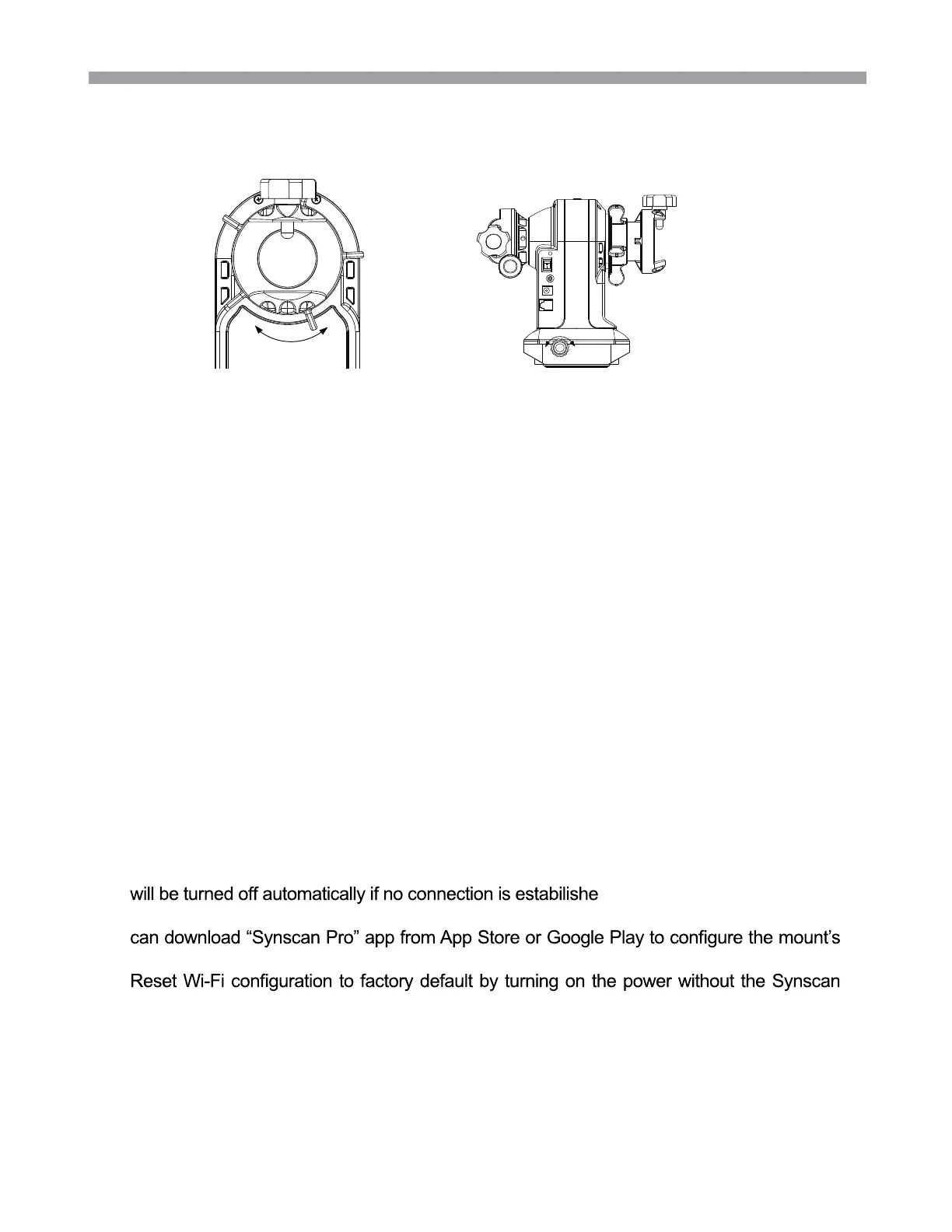
4.2 Manually Rotating The Mount
4.3 Control with a SynScan Hand Control
4.4 Control with an Mobile Device
4.5 Wi-Fi Connection
Refer to the following diagrams:
Plug in the SynScan hand control into the hand control port in order to control the tele-
scope and mount for astronomical observation. Please refer to the SynScan hand control
manual for operation instructions.
Users can download the free “SynScan Pro” or “Synscan Photo” App from the App Store(
for iOS devices) or Google Play (for Android Devices) for astronormical observation or
photography.
User must connect to the mount’s Wi-Fi within 15 minutes after turning on power. The Wi-Fi
d within 15 minutes.
By default, the SSID of the built-in Wi-Fi is “SynScan_xxxx” and there is no password. User
built-in Wi-Fi.
hand control connected and no App operations via the Wi-Fi connection for 4 hours.
LoosenTighten
Loosen
Tighten
Loosen the Alt clutch wheel to manually rotate the telescope vertically.
Loosen the Azimuth adjustment knob to manually rotate the telescope horizontally.
Fully tighten the clutches for all motor driven applications. This will give the best pointing accuracy.
Half engage the clutches to manually point the telescope while preventing it from moving freely without
external force.
Fully loosen the clutches to move the telescope quickly.
Tips:
PART IV : USING THE AZ-GTix MOUNT
1.
2.
·
·
·
·
·
·
Fig.4.2a Fig.4.2b











 To Next Page