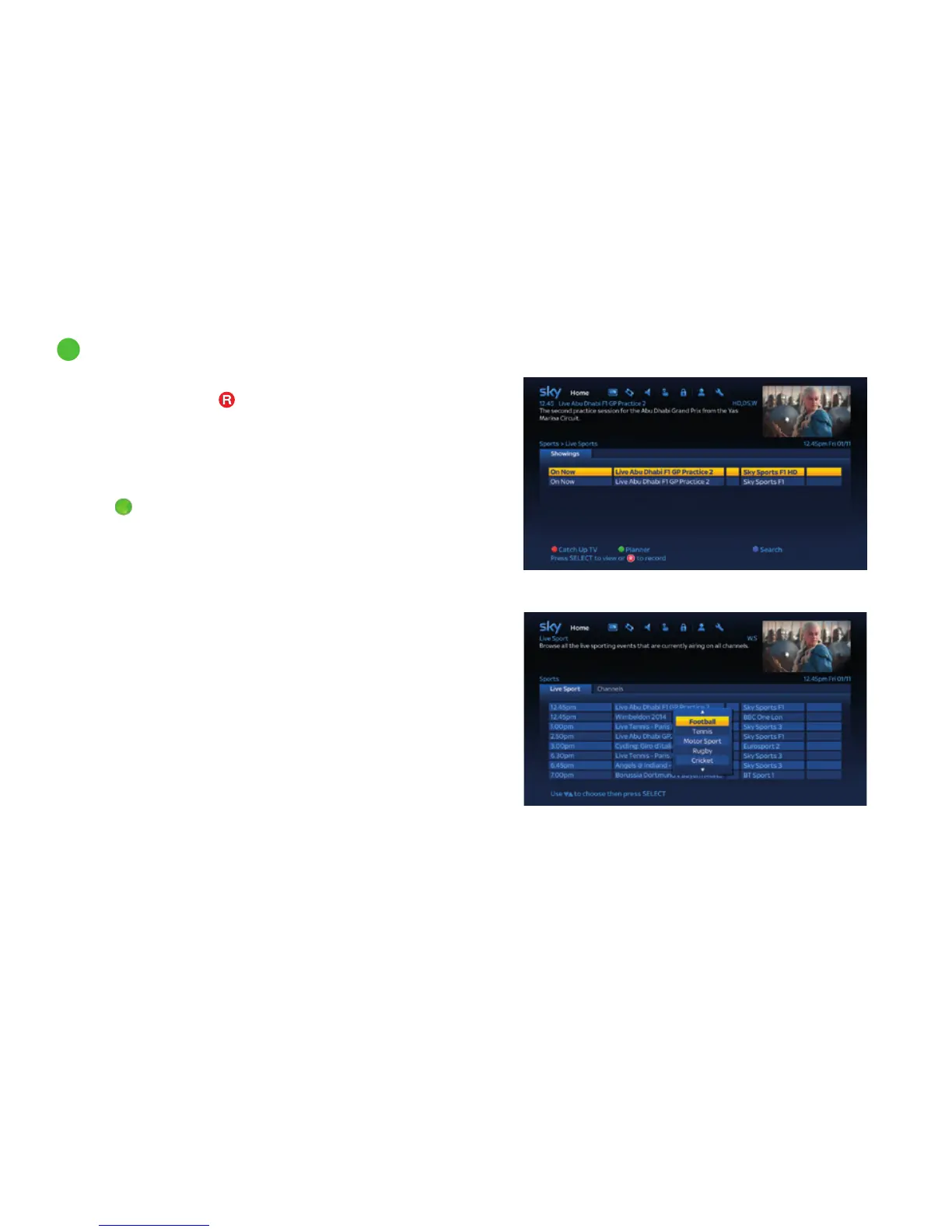
<insert screenshot> - showings page
<insert screenshot> - sports filter
displayed. Highlight on Football
14
Watching your favourite sports (continued)
To watch a programme that is on now highlight it and press select. For
programmes on later press
to record or select to set a reminder. If
there is more than one SD version of a programme available you will then
see the ‘Showings’ page where you can choose your preferred showing.
You can also filter the ‘live’ tab to show your favourite sports. Press
the green button, then use the up/down arrow to highlight your
favourite sport and press Select to see your chosen sport listings.
Press the
green button a second time to return to seeing ‘All Sports’.
Discover a world of entertainment
48



 To Next Page