EasyManua.ls Logo

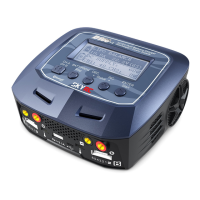
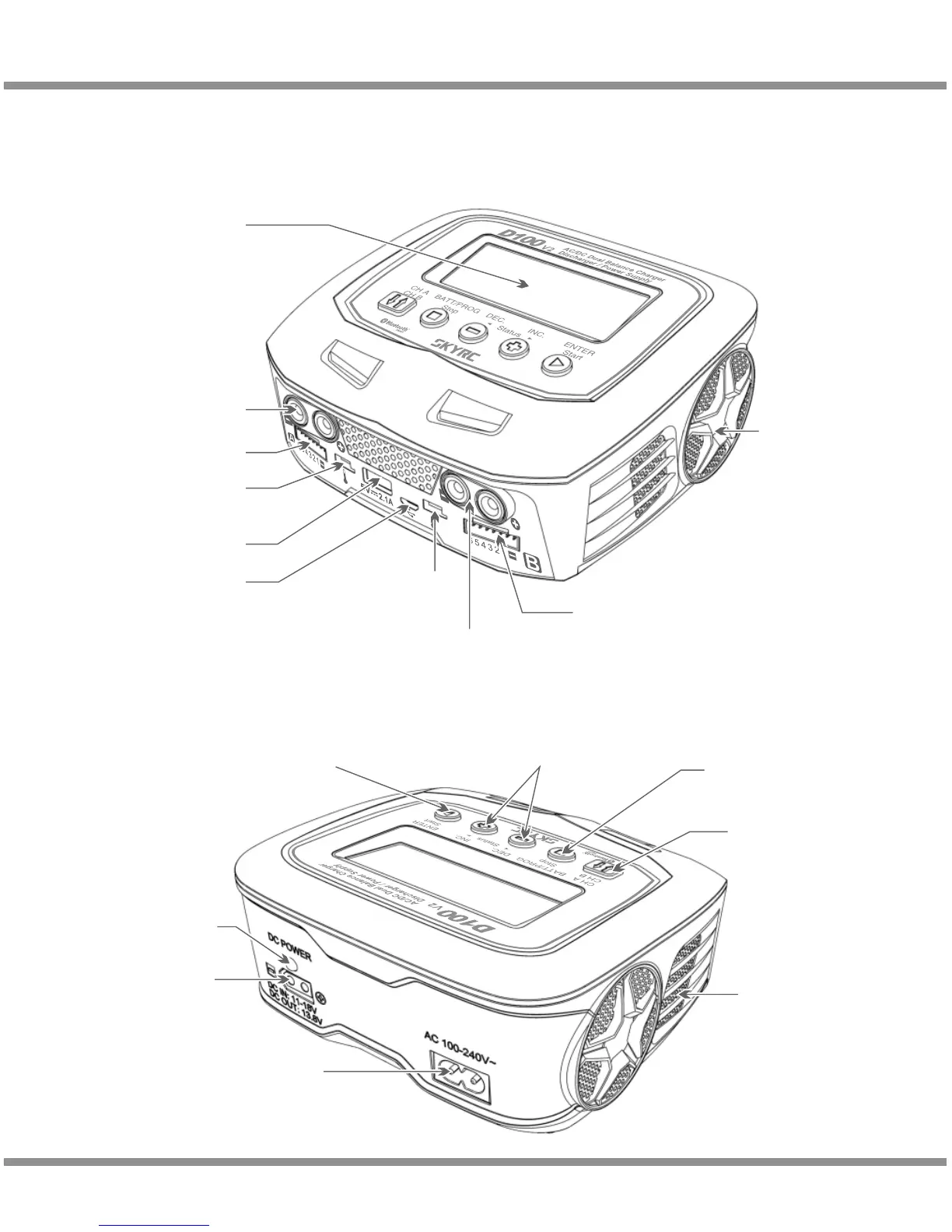
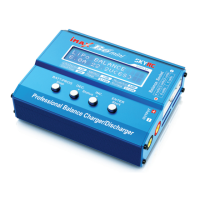
Skyrc D100 - Charger Components and Ports; External Interface Diagram

Skyrc D100
44 pages
Print Icon
To Next Page IconTo Next Page
To Previous Page IconTo Previous Page
Loading...
Introduction
· 02
D100v2
Please read this entire operating manual completely and attentively before
using this product, as it covers a wide range of information on operating and
safety. Or please do use this product in company with a specialist!
Dot Matrix 128x64
LCD Display
Output Socket
4mm Banana Plug
Balance Lead Socket
Temperature
Sensor Port
USB Port
Micro USB Port for
PC Link &
firmware upgrade
Temperature
Sensor Port
Output Socket
4mm Banana Plug
Balance Lead Socket
Cooling Fan
AC Input
100-240V
Switch from
Channel A to B or
Channel B to A
Resume or Start
Charge Processes
DC Input: 11-18V
DC Output: 13.8V
DC Power
LED Light
Scroll Through the
Main Menu Stop Any
Charge Processes
Alter Values
See the Status of Individual
Cells in Balance Charge Mode
Speaker

Other manuals for Skyrc D100

Related product manuals