REV. 5-20-22 Page 2
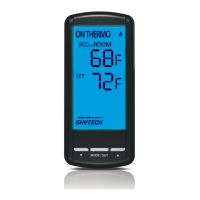
Skytech: 5301P
Review COMMUNICATION SAFETY under TRANSMITTER section and THERMO SAFETY under
REMOTE RECEIVER section. These signal and temperature safety features shut down the replace system
when a potentially unsafe condition exists.
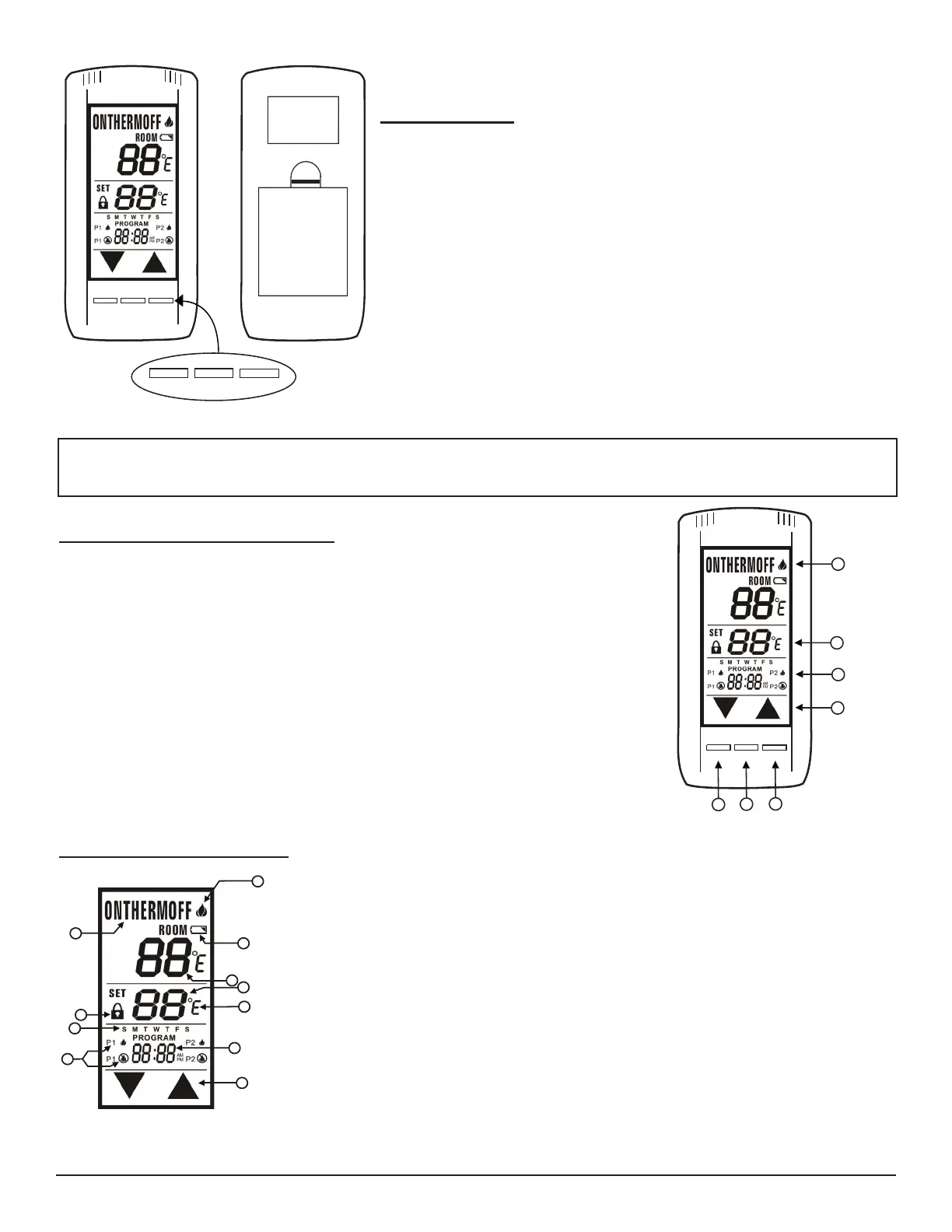
KEY AND TOUCHSCREEN SETTINGS
1. MODE - Switches the appliance On/Thermo/Off.
2. PROGRAM - Turns ON and OFF the program function.
3. SET - Used in different functions to conrm settings.
4. UP and DOWN - Used to change the time, set temp, and programming functions.
Fig. 2 Button settings.
1. BATTERY ICON - Battery power is low. Replace Batteries in 2 - 4 weeks.
2. ROOM - Indicates CURRENT room temperature.
3. SET- Indicates desired SET room temperature for THERMO operation.
4. FAHRENHEIT/CELSIUS - Indicates degrees Fahrenheit or Celsius.
5. FLAME- Indicates burner/valve in operation.
6. MODE – Indicates operation mode of system.
7. UP and DOWN – These are used to adjust the Time, Set temperature, and Program
functions.
8. TIME and PROGRAM TIME – Indicates current time or program time setting when
editing program settings.
9. LOCK ICON - Disables the transmitter when lock is visible on the LCD screen.
10. PROGRAM ON/OFF – Indicates when Program 1 (P1) is on or off, and indicates when
Program 2 (P2) is on or off.
11. DAY of WEEK - Indicates current day of week, or program segment when editing
program settings.
LCD - LIQUID COLOR DISPLAY
1
2
3
4
5
6
7
8
9
10
11
Fig. 3 LCD display.
TRANSMITTER
The transmitter operates on (4) AAA 1.5V batteries that are included.
Install the batteries supplied with the unit into the battery compartment. It
is recommended that ALKALINE batteries always be used for this product.
Be sure the batteries are installed with the (+) and (-) ends facing the
correct direction.
When you start up the remote, if a low battery signal appears or if they
LCD screen does not illuminate when you touch it, check battery position
and if the batteries are fully charged.
MODE
BATTERY
COMPARTMENT
BACK
FRONT
SET
PROG
PROG
MODE
SET
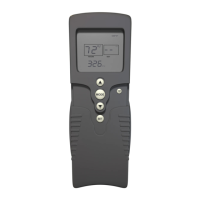
Fig. 1 Transmitter.



 To Next Page