4 / 17
Copyright (c) 2009-2017 RoboPeak Team
Copyright (c) 2013-2017 Shanghai Slamtec Co., Ltd.
Device Connection
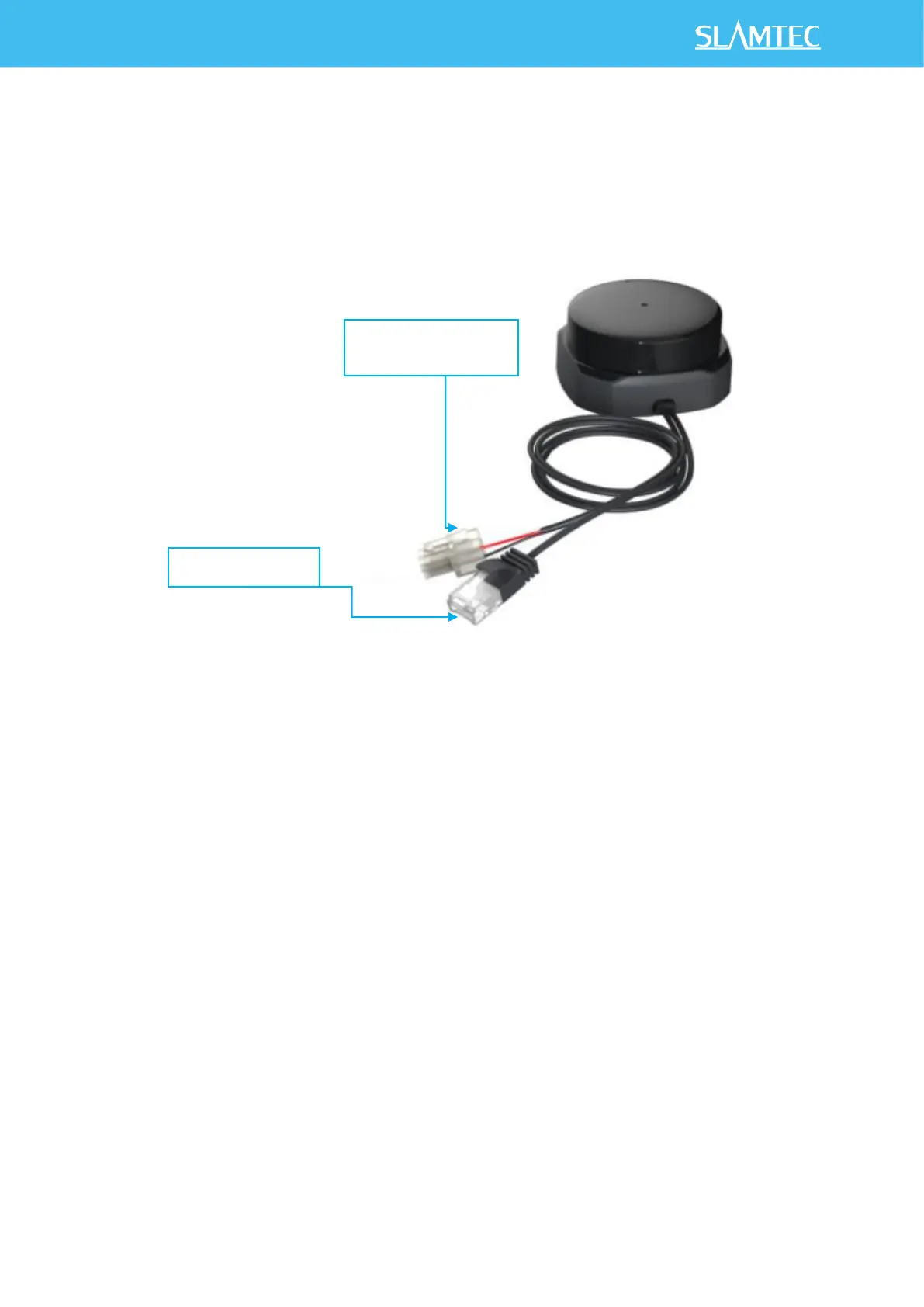
1) Connect the network port line of RPLIDAR S2E module provided in the
development kit to the PC, and connect the power cord to the power
supply through the power adapter and power adapter.
Figure 2-1 Connect RPLIDAR S2E
Network Configuration
Need to configure the Ethernet before using the RPLIDAR S2E module. Make
sure that the RPLIDAR S2E module is connected to a PC through network
ports. Perform the following steps to configure the Ethernet:
1) Windows Network Configuration:
As shown in Figure 2-2, open the Ethernet attribute configuration of the
network interface connected to RPLIDAR S2E and set the IP address of the
local network to 192.168.11.2, which is in the same network segment as the
lidar (the change is based on the default IP address of the lidar 192.168.11.2).


 To Next Page