6 / 17
Copyright (c) 2009-2017 RoboPeak Team
Copyright (c) 2013-2017 Shanghai Slamtec Co., Ltd.
Run Demo Application
SLAMTEC provides a Lidars plugin in RoboStudio for users in test and
evaluation. You can view the scan result directly in the UI and save the scan
result to files for further processing.
Currently the software needs to run on Windows, but for Linux and MacOS
users, additional sample programs are available with the SDK.
1) Please make sure you have connected RPLIDAR to PC by using network
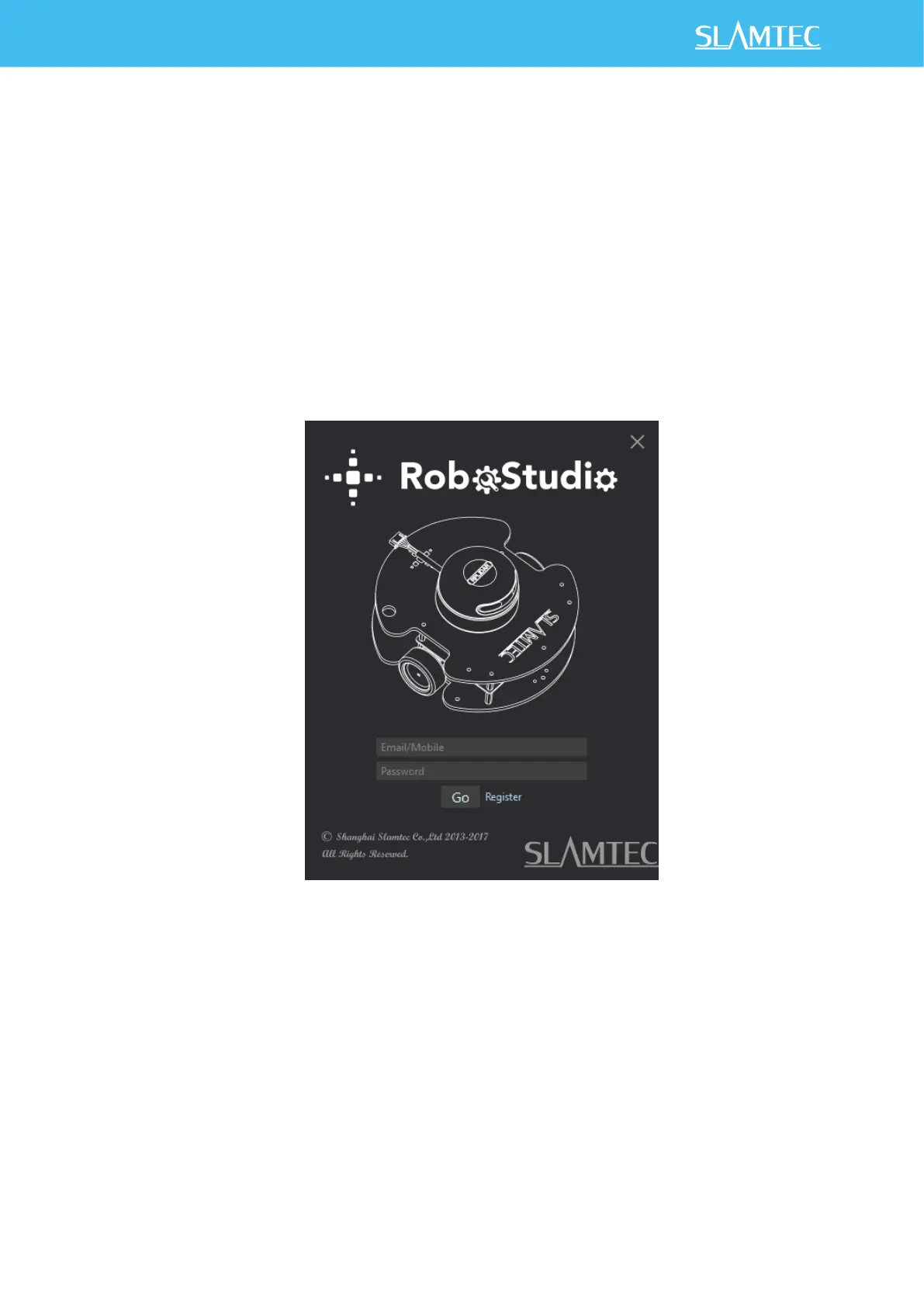
interface before running the demo application in RoboStudio. Launch
RoboStudio and log in.
Figure 2-4 RoboStudio Login Page
2) If the connection is ok, you will see the user interface is shown as below.
Click the " Lidars " option in the "File" menu, and then right click on the
Lidars below the box area, the content of dialog box will be "Manual
Connect to Lidar... / Auto Discovery to Lidar...".


 To Next Page