9 / 17
Copyright (c) 2009-2017 RoboPeak Team
Copyright (c) 2013-2017 Shanghai Slamtec Co., Ltd.
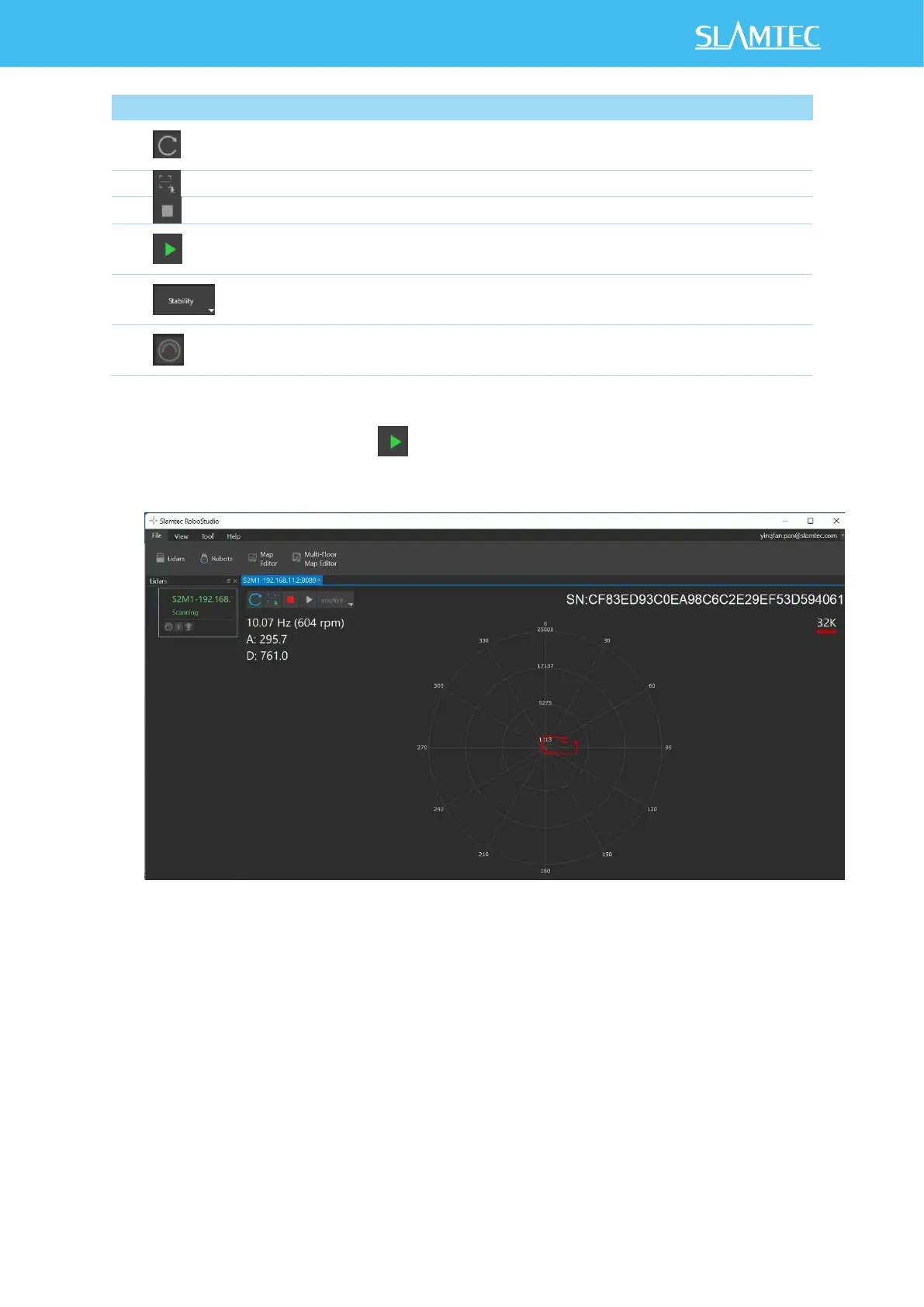
Figure 2-8 The Supported Commands of RPLIDAR in RoboStudio
Press the Start Scan button ,the scan data will be displayed as below(by
default, the motor rotating speed should be about 10Hz.):
Figure 2-9 The Scan Outline by RPLIDAR in RoboStudio
Right click in the major working area to choose a range so as to zoom in or
out the view. The scan frequency is also showed in the above interface.
(eg:10.07Hz(604rpm))


 To Next Page