7 / 17
Copyright (c) 2009-2013 RoboPeak Team
Copyright (c) 2013-2017 Shanghai Slamtec Co., Ltd.
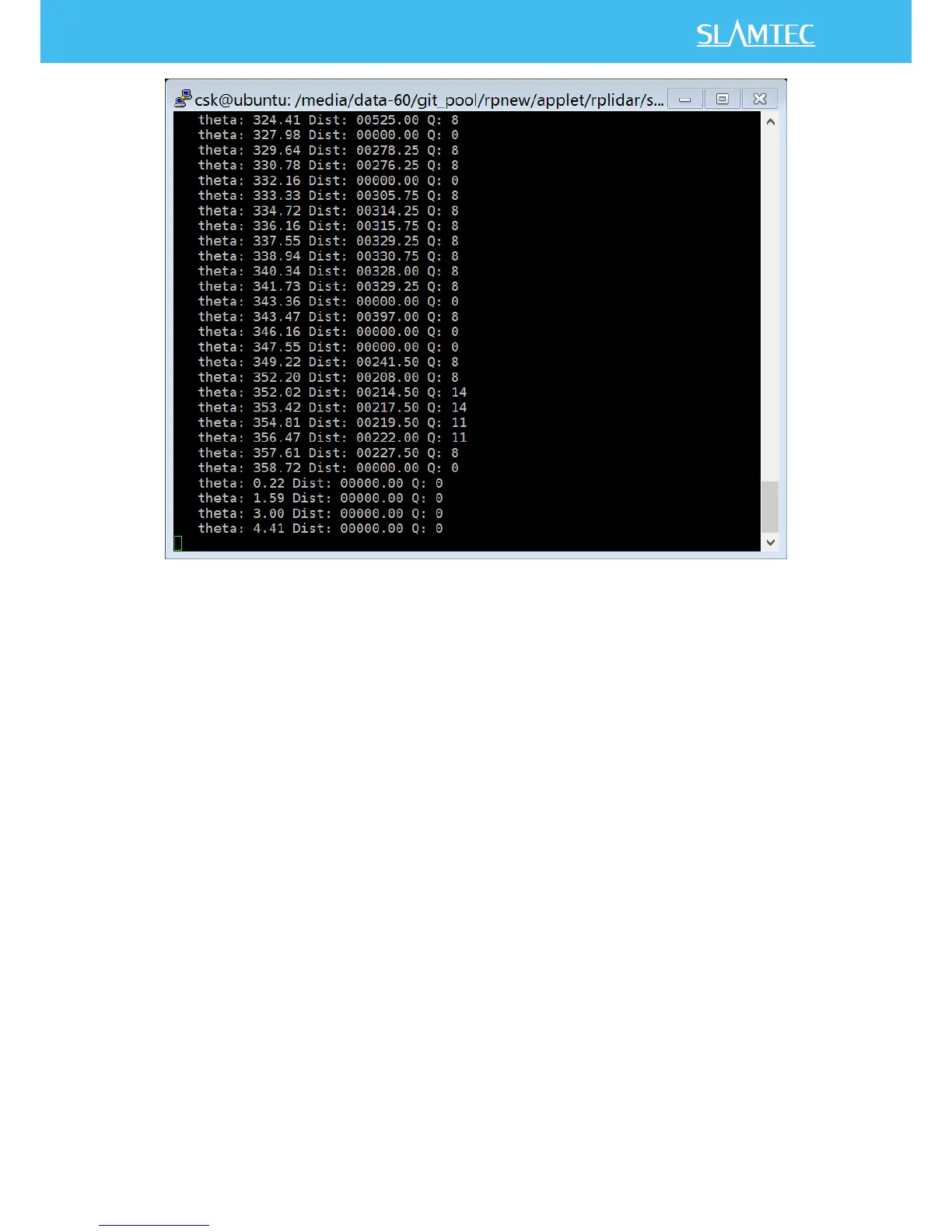
Figure 2-1 ultra_simple Demo Application Data Output
Steps:
1) Connect RPLIDAR to PC by using the provided USB cable. (The chip
transforming the USB to serial port is embedded in the RPLIDAR
development kit)
2) Start application by using the following command:
o Windows
ultra_simple <com_port>
Note: if the com number is larger than 9, e.g. com11, then you should
start application use command like this: ultra_grabber \\.\com11
o Linux
ultra_simple <tty device>
e.g. ultra_simple /dev/ttyUSB0.
o Linux


 To Next Page