Installation Manual STR7202 TAG4 & SFM7704 TAG1
DBCI-0512-0052-V013
STR7202 2-Side Trimmer & SFM7704 Square Fold Module
5. Installation (continued)
Contents
5.1 Mechanical Installation (continued)
5.1.2 STR behind Canon Booklet Trimmer D1 (continued)
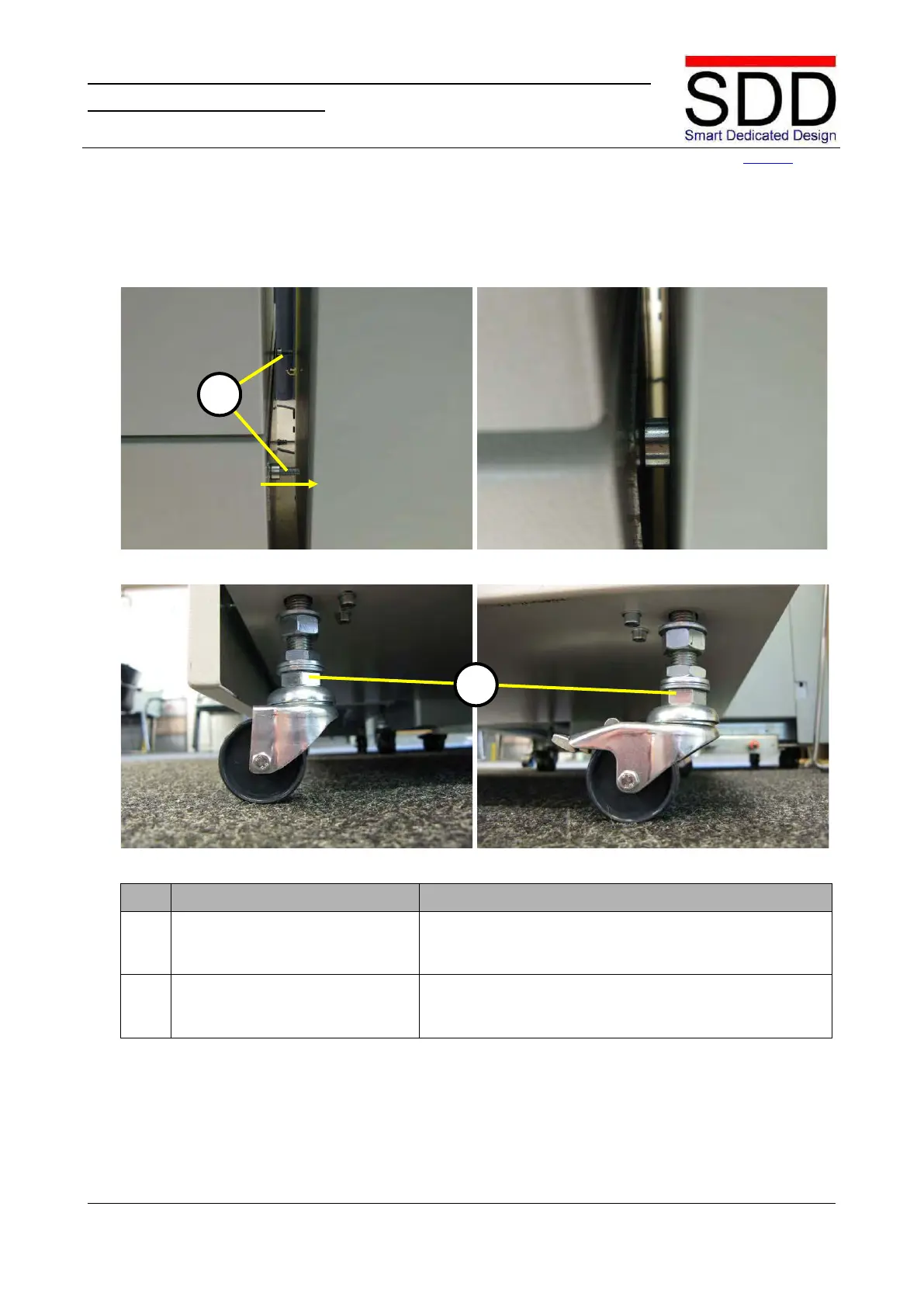
Fig. 5.1.2.10 Fig. 5.1.2.11
Fig. 5.1.2.12 Fig. 5.1.2.13
Open Waste Bin and connect STR to Canon Finisher by
gently fastening Bolts [C] two or three turns (Fig. 5.1.2.10
Check Booklet Guide position and that STR is level left to
right. If necessary adjust STR height with bolts [E] (Fig.



 To Next Page