Installation Manual STR7202 TAG4 & SFM7704 TAG1
DBCI-0512-0052-V013
STR7202 2-Side Trimmer & SFM7704 Square Fold Module
5. Installation (continued)
Contents
5.1 Mechanical Installation (continued)
5.1.2 STR behind Canon Booklet Trimmer D1 (continued)
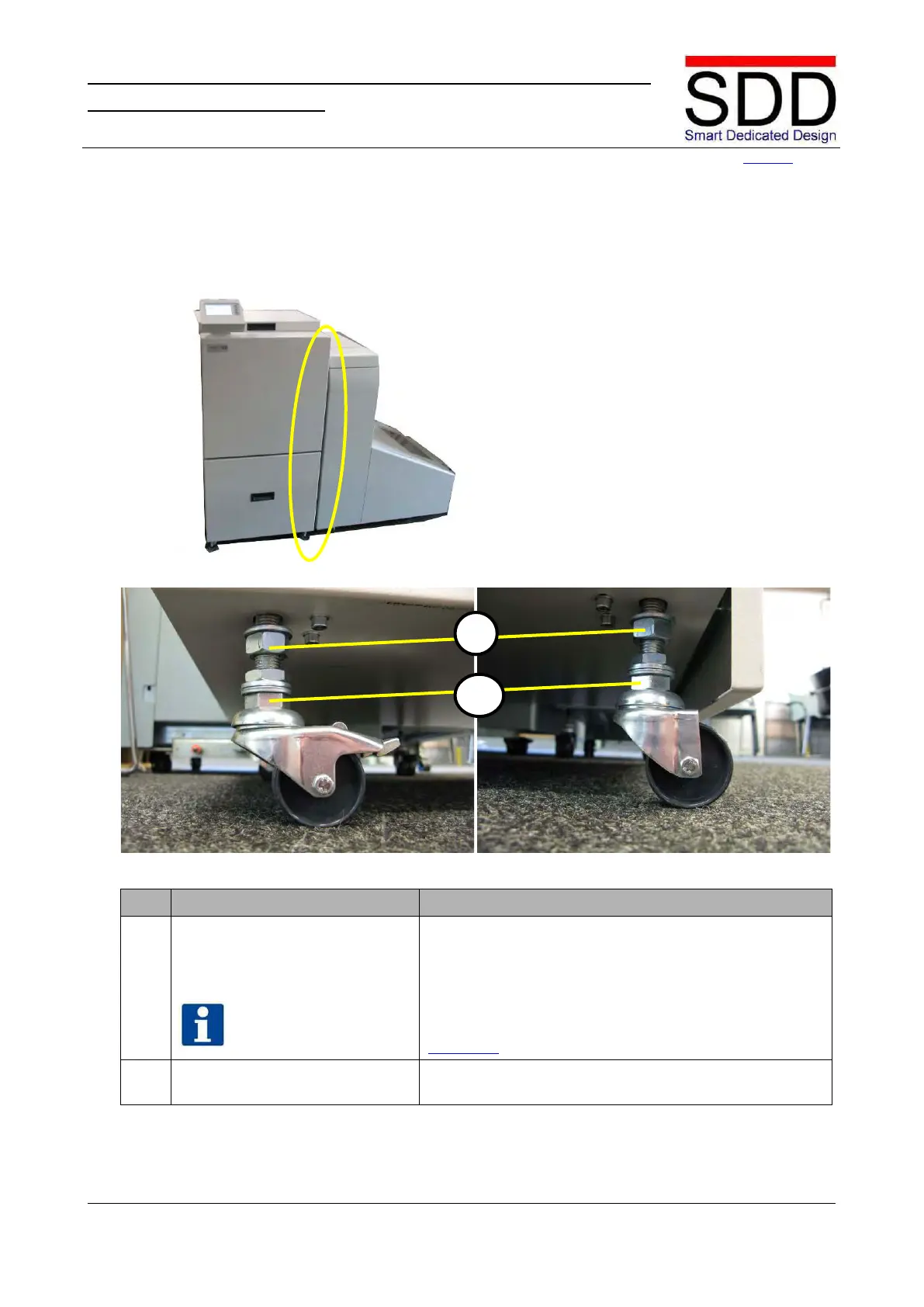
Fig. 5.1.2.14
Fig. 5.1.2.15 Fig. 5.1.2.16
Setting the STR parallel to the
Canon Booklet Trimmer.
Make sure that the STR is parallel to the Canon Booklet
Trimmer. If necessary, adjust the STR by turning nuts (E)
on the outfeed side wheels of the STR (Fig. 5.1.2.15 &
In case of extreme uneven floors, additional spacers (see
Step 4.3.9) may be added to bolts [C] in Step 5.1.2.8.
11. Set Height. Tighten the Upper nuts [D] (Fig. 5.1.2.15 & 5.1.2.16) to fix
E



 To Next Page