Installation Manual STR7202 TAG4 & SFM7704 TAG1
DBCI-0512-0052-V013
STR7202 2-Side Trimmer & SFM7704 Square Fold Module
5. Installation (continued)
Contents
5.2. Electrical Installation (continued)
5.2.3 Installing Start/Stop Interface in Canon Booklet Trimmer F1 (continued)
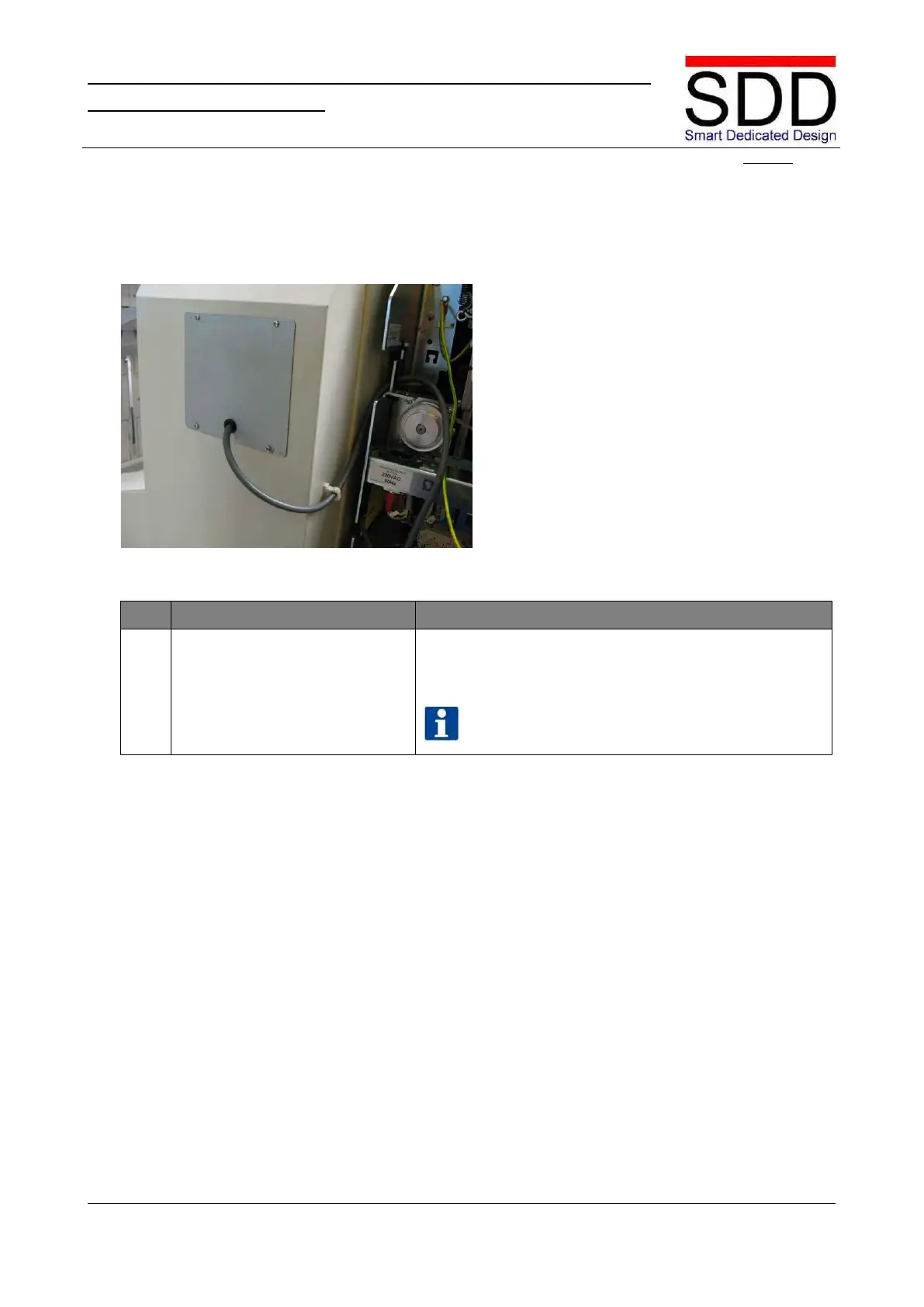
Fig. 5.2.3.18
Place Grommet for Communication Cable in slot in
Replacement Cover and mount on the F1 Rear Cover
NOTE
Photo of the D1 finisher is used, but the
procedure for the F1 finisher is the same.



 To Next Page