iGlucose® 19
replacing the battery when needed
caution
• Take the new battery out of its plastic bag.
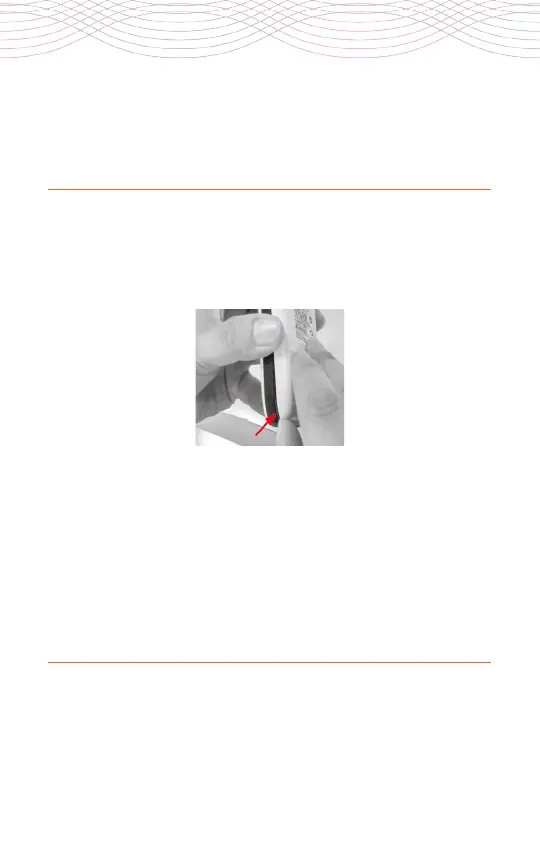
• Open the back cover of the device by inserting your thumbnail
into the small groove on the side of the meter near the bottom of
the cover and lift the cover up.
•
Please follow the local regulations to properly recycle the
rechargeable battery.
•
There is risk of explosion if the battery is replaced by an
incorrect type.
• Remove the old battery.
•
Install the new battery inside the battery compartment so that
the small metal contacts on the bottom of the battery touch the
small metal pins in the battery compartment.
• Replace the back cover of the device and close tightly.
• Charge the battery following the instructions above.



 To Next Page