iGlucose® 53
Display Messages and Problem-Solving Guide
Possible reason Solution(s)
Blood glucose result may be
higher than 600 mg/dL.
Review proper testing procedure and
perform a quality check with control
solution. Repeat blood test; if “HI” still
appears, call your doctor or seek
medical attention immediately.
Message
HI
Blood glucose result may be
lower than 20 mg/dL.
Review proper testing procedure and
perform a quality check with control
solution. Repeat test; if “LO” still
appears, call your doctor or seek
medical attention immediately.
LO
Battery is low. Charge the battery.Low Battery
Temperature is above or below
the operating range for the
device.
The glucose test result you may have
obtained may be inaccurate. Move to
an area with temperature between
50ºF to 104ºF (10ºC to 40ºC) and
wait 45 minutes. Do not artificially
heat or cool the device.
Repeat the test with a new test strip.
A blood sample was applied to
the test strip before the meter
displayed: “Apply a drop of
blood”. Or, when testing a
control solution, a drop of
control solution was applied to
the test strip before the meter
displayed: “Apply a drop of
control solution”.
Please discard the used test strip
and retest using a new strip.
The inserted test strip has been
used or damaged.
Please use a new test strip.
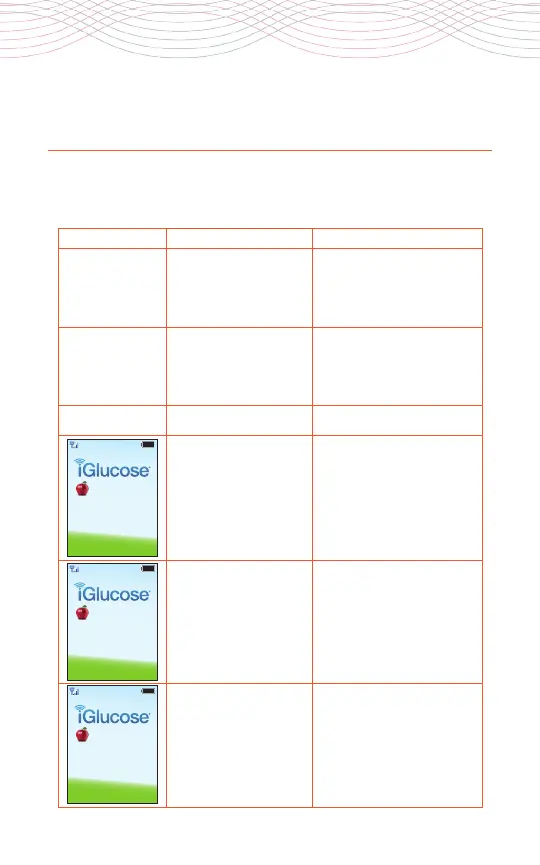
Settings Averages
Temperature error,
operating
temperature must
be within 10-40°C
Standby Mode
Settings Averages
Sampling error,
please insert new
strip and retest
Standby Mode
Settings Averages
Used or damaged
strip, please insert
new strip
Standby Mode
When any of the following messages appear, there is a problem that
requires your attention.



 To Next Page