20 iGlucose®
setting the date and time manually
synchronizing the date
and time automatically
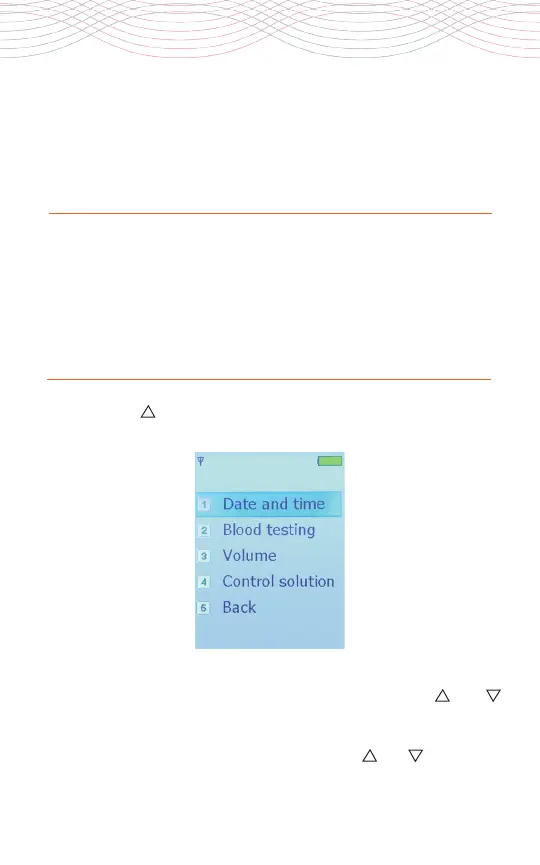
1. Press the “ ” button on the device.
2.
Scroll to the “Date and time” option by using the “ ” or “ ”
button and press the “Home” button to select. The “Date and
time” menu appears.
3. Scroll to the “Set Date” option by using the “ ” or “ ” button and
The date and time are synchronized automatically when the
meter is turned on and when the message “Date and Time
Synchronized” appears.



 To Next Page