iGlucose® 27
performing a blood glucose test
inserting the test strip
• Wash your hands thoroughly with soap and water and dry well.
•
Set your meter test mode to “Before Meal”
or “After Meal”
by turning the meter on (pressing and holding the “Home” button).
Press the “Home” button to get to the desired ”Before Meal” or
“After Meal” icon on the screen.
•
Take one iGlucose® Blood Glucose Test Strip from the vial. Close
the vial cap immediately.
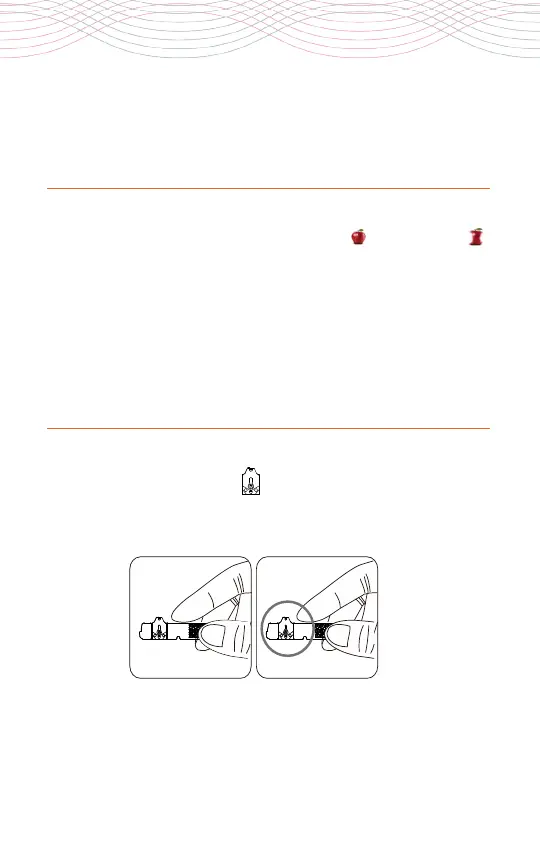
1. Hold the iGlucose Test Strip between your thumb and middle
finger with the view window facing you (dark side of the sample
port facing you).
2. Put your forefinger on the side of the strip as shown.
3. Insert the iGlucose Test Strip into the test strip port straight
downwards with the strip view window facing you until it clicks
and firmly stops.
If not on yet, your meter will automatically turn on once the strip is
inserted and the message “Strip Inserted” will be displayed.
2a 2b



 To Next Page