iGlucose® 39
performing a quality control test
1.
Press briefly the “ ” button on the device and the Settings
menu will appear.
2. Scroll to the “Control Solution Mode” by using the “ ” or “ ”
button and press the “Home” button to select.
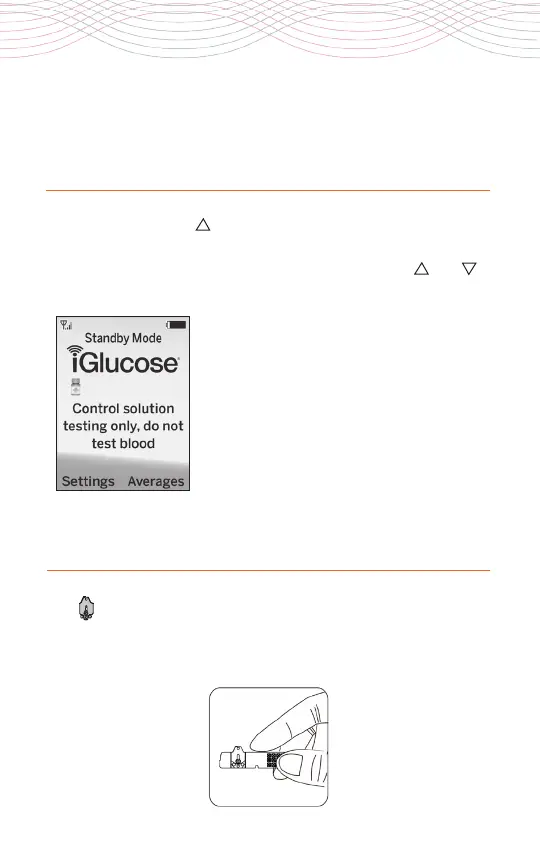
The Control solution screen appears with
the message “Control solution testing
only, do not test blood”.
3. Take one iGlucose® Blood Glucose Test
Strip from the vial and close the vial cap
immediately.
inserting the test strip
1.
Hold the iGlucose Test Strip between your thumb and middle
finger with the view window facing you (colored side of the sample
port facing you).



 To Next Page