30 iGlucose®
• Touch and hold the blood drop to the edge of sample port until
the view window is filled with blood. Please see above drawing.
• If the view window is not completely filled with blood the test
will not start. Discard the used test strip and repeat with a new
iGlucose® Blood Glucose Test Strip. Please see section below on
“View Appearance of Blood on the Strip”.
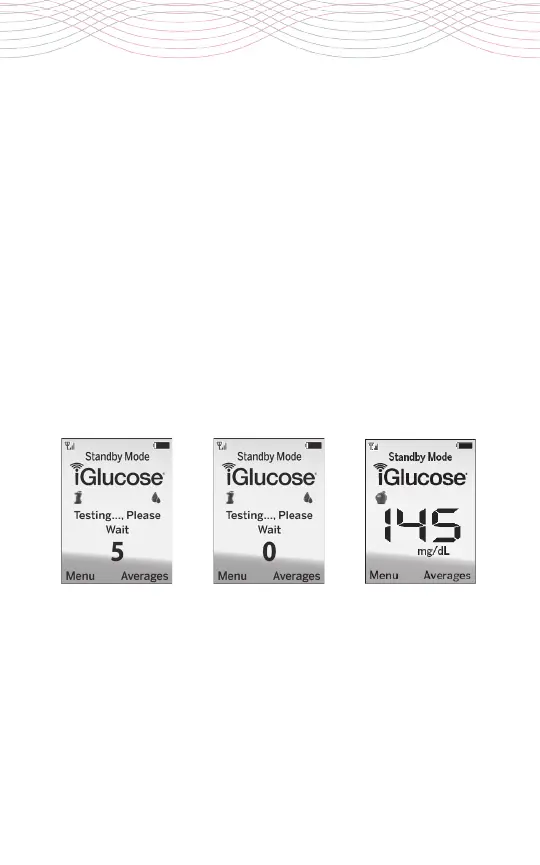
• The meter will now count down from 5 to 0 and will display your
blood glucose result. A “No Service” message may appear which
does not impact the meter’s function. It means that the cellular
service has not made a connection. The glucose result will still be
displayed and will still get recorded in the system’s memory.



 To Next Page