-15-
Setting Motor Open and
Close Speeds
If required the opening and closing speed can be reduced
in 5% steps down to 50% to suit the site. This function is
useful if the gate is situated on an incline where gravity
increases natural closing speed (Factory Default = 80%).
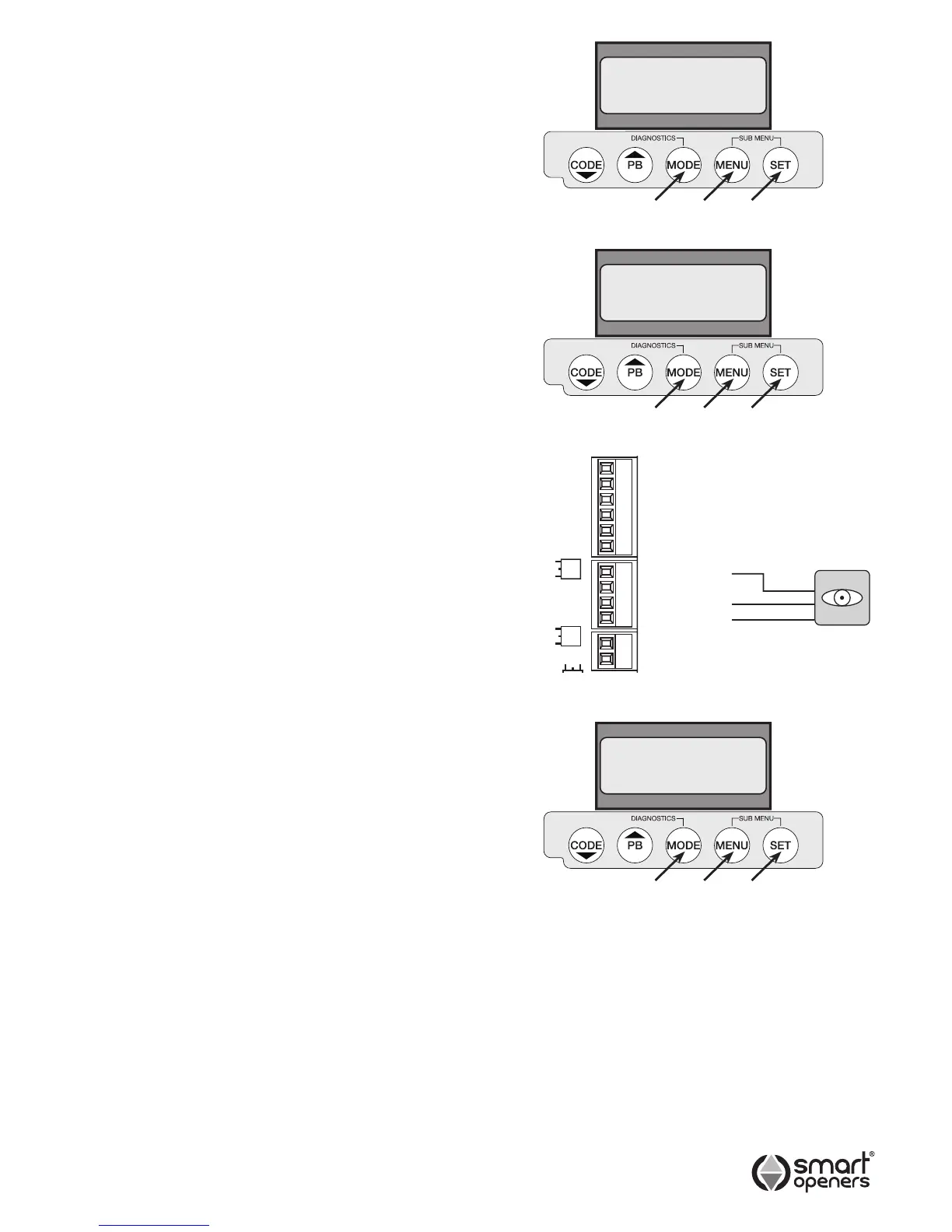
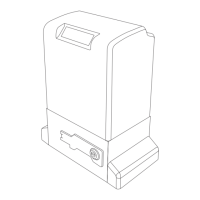
1. Press MENU for 3 secs then SET to cycle though to
Open Speed or Close Speed as required.
2. Press MENU to cycle through from 80% down to 50%
in steps of 5%. Once 50% is reached the next press
of the MENU button will return to 100%.
3. When desired speed percentage is reached press
SET to conrm or MODE to save and exit.
Setting Photo Beam Mode
Note: A functioning photo electric safety must be installed
and Photo Beam Mode set to ON to enable auto-
close functions.
Photo Beam Mode allows the gate to close once the
beam has been tripped and restored. Smart Openers
strongly recommend the installation of a PE safety beam
to protect persons and property (Factory Default = Off).
1. Connect PE beam cable to controller terminal black
as per Fig. 28.
2. Press MENU for 3 secs then SET to cycle though to
Photo Beam (Fig. 29).
3. Press MENU to choose On.
4. Press SET to conrm or MODE to save and exit.
© November 2011 Smart Openers Pty Ltd
Fig. 28


 To Next Page