-9-
Powering Up
1. Inspect the power cable for damage. Ensure that the
cable will not interfere with the moving gate or the
drive unit.
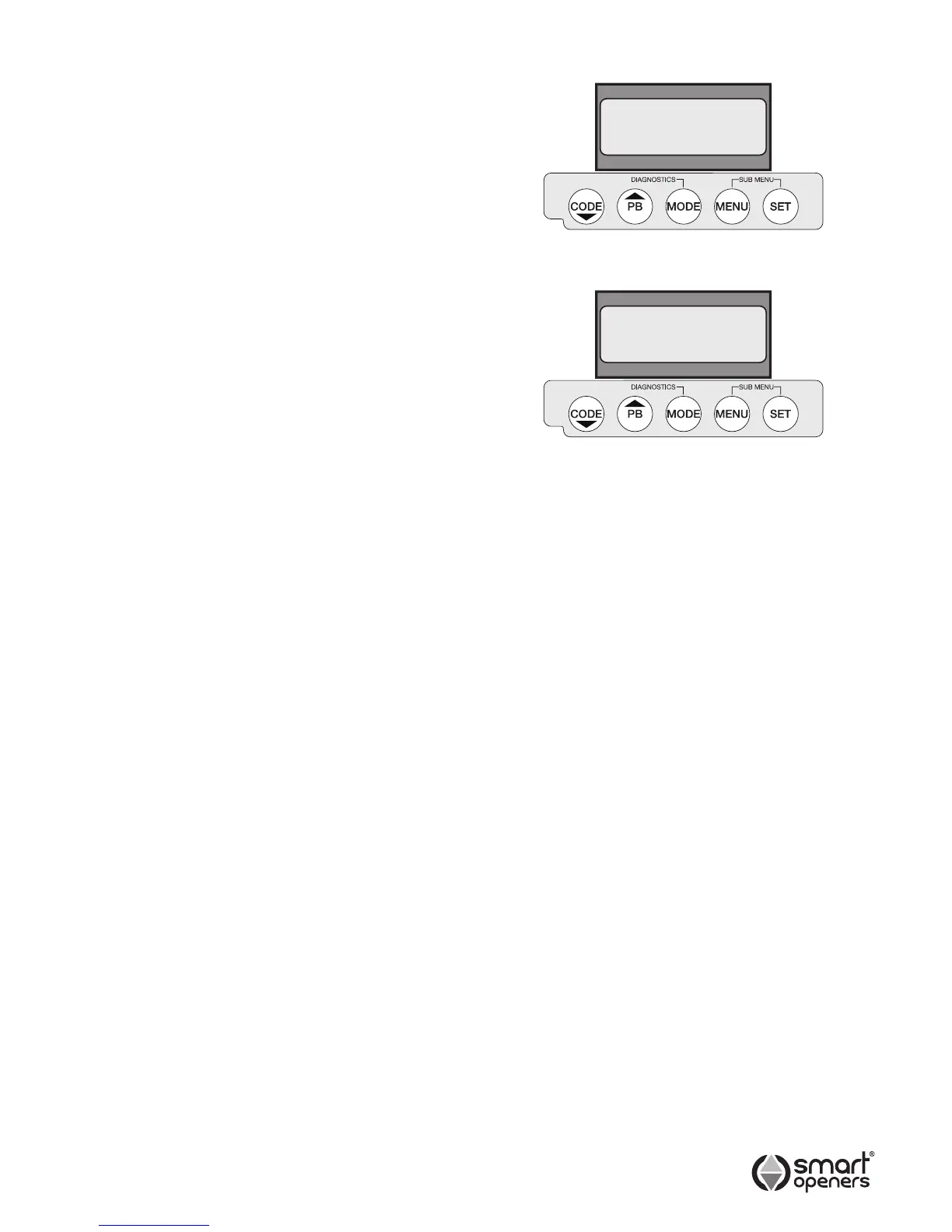
2. Connect to power. The opener will perform a software
check before displaying the welcome screen (Fig. 7).
3. The LCD will then display the default motor position
setting Positions Not Set (Fig. 8).
Menu Navigation
l
Use the CODE button to code transmitters and to cycle
up through parameters.
l
Use the PB button during normal operation to open/
stop/close the gate.
l
Pressing MODE at any time will store changes and exit
to main screen.
l
Use the MENU button enter parameter menu and to
cycle through parameter options or increase value.
l
Press the SET button to enter limits set up and to
conrm changes and move to the next menu item.
© November 2011 Smart Openers Pty Ltd
Smart Openers
SC Vx.xx
Positions
Not Set
Fig. 7
Fig. 8


 To Next Page