-17-
Power Save
Power Save switches off the PE beams after the close
cycle is completed. This reduces load on batteries and
solar powered installations. There is no need to use power
save on mains powered installations
(Factory Default = Off).
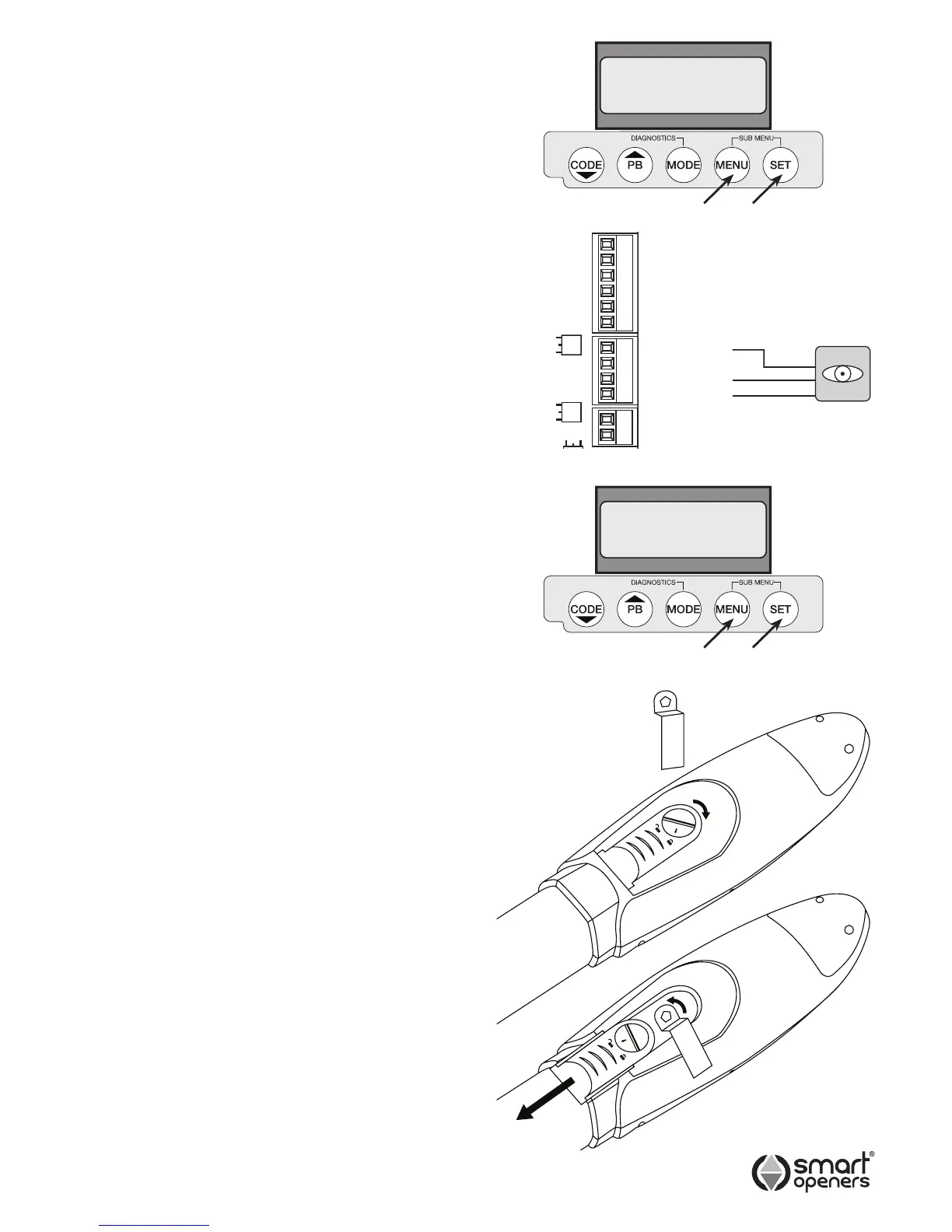
Note: Power save will only function if the PE Beam is
wired to the PE Terminal block as per Fig. 36.
1 To enable this function press MENU for 3 secs then
SET to cycle though to Power Save.
2 Press MENU to choose On (Fig. 35).
3 Press SET to conrm or MODE to save and exit.
Close Delay
Close Delay allows you to alter the time delay gap when
the second leaf commences moving in a two leaf gate
installation. (Factory Default = 3 secs).
1 To change setting press MENU for 3 secs then SET to
cycle though to Close Delay.
2 Press MENU to increase time (or press PB to
decrease) by 1 sec up to 10 secs (Fig. 37).
3 Press SET to conrm or MODE to save and exit.
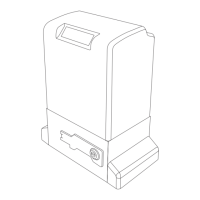
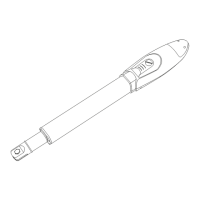
Manual Disengagement
The opener is very easy to disengage to enable you to
open and close the gate manually in case of electrical
failure, system malfunction or re.
Remember: Before disengaging the gate for manual
operation make sure power is off.
For Manual Operation
1. Use the key provided to turn the manual release cover
screw to the open position.
2. Slide the cover down to reveal the release pin.
3. Using the other end of the key turn the pentagonal
release pin anti-clockwise.
To Re-engage the Gate
1. Manually move the gate to the closed position.
2. Re-engage the opener using the key. Lock the release
pin by turning clockwise.
3. Slide release cover back into place and lock with key.
4. Reconnect power and press reset button on the
under-side of control box prior to using in automatic
mode.
IMPORTANT: The opener will not function correctly if the
position reset button is not pressed prior to
use.
Fig. 38
© November 2011 Smart Openers Pty Ltd
Power Save
Off
Close Delay
3 Secs
Fig. 35
Fig. 37
Fig. 36


 To Next Page