EasyManua.ls Logo

SMART radio five - Volume Adjustments

SMART radio five
15 pages
Print Icon
To Next Page IconTo Next Page
To Previous Page IconTo Previous Page
Loading...
Volume
adjustments
The
volume
can
also
be
adjusted
using
the
controls
on
the
multifunction
steering
wheel*
(see
the
instructions
for
using
the
vehicle)
where
fitted
to
your
car.
The
volume
is
adjusted
simultaneously
for
radio
and
CD
mode.
Adjusting
the
volume
E
Rotate
the
É
volume
control
>
Clockwise:
increase
volume
>
Anti-clockwise:
decrease
volume
Setting
the
volume
increase
for
traffic
news
This
setting
cannot
be
made
for
MW
and
LW
wave
bands.
=
Repeatedly
press
the
button
until
the
following
is
displayed.
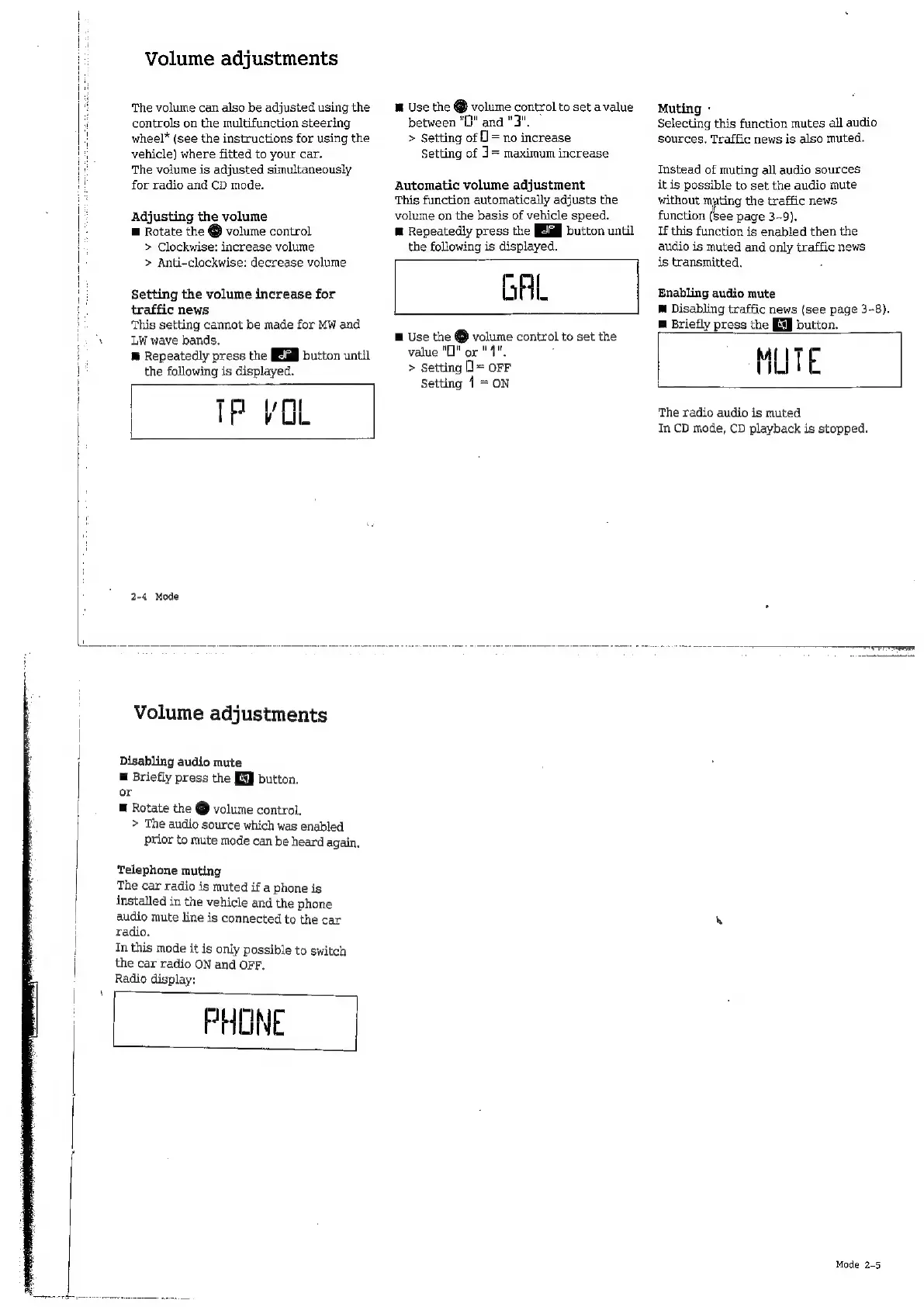
TP
VOL
2-4
Mode
Volume
adjustments
Disabling
audio
mute
m
Briefly
press
the
EE]
button.
or
E
Rotate
the
@
volume
control.
>
The
audio
source
which
was
enabled
prior
to
mute
mode
can
be
heard
again.
Telephone
muting
The
car
radio
is
muted
if
a
phone
is
installed
in
the
vehicle
and
the
phone
audio
mute
line
is
connected
to
the
car
radio.
In
this
mode
it
is
only
possible
to
switch
the
car
radio
ON
and
OFF.
Radio
display:
PHONE
M
Use
the
@
volume
control
to
set
a
value
between
"O"
and
"3".
>
Setting
of
0
=
no
increase
Setting
of
J=
maximum
increase
Automatic
volume
adjustment
This
function
automatically
adjusts
the
volume
on
the
basis
of
vehicle
speed.
R
Repeatedly
press
the
button
until
the
following
is
displayed.
GAL
E
Use
the
O
ue
control
to
set
the
value
"To
"
qu
>
Setting
=
OFF
Setting
1
=
ON
Muting
-
Selecting
this
function
mutes
all
audio
sources,
Traffic
news
is
also
muted.
Instead
of
muting
all
audio
sources
it
is
possible
to
set
the
audio
mute
without
i
ie
the
traffic
news
function
(see
page
3-9).
If
this
function
is
enabled
then
the
audio
is
muted
and
only
traffic
news
is
transmitted.
Enabling
audio
mute
M
Disabling
traffic
news
(see
page
3-8).
m
Briefly
press
the
[E]
button.
MUTE
The
radio
audio
is
muted
In
CD
mode,
CD
playback
is
stopped.
ee
e
e
Mode
2-5

Related product manuals