EasyManua.ls Logo

SMART radio five - Station Selection; Storing a Station

SMART radio five
15 pages
Print Icon
To Next Page IconTo Next Page
To Previous Page IconTo Previous Page
Loading...
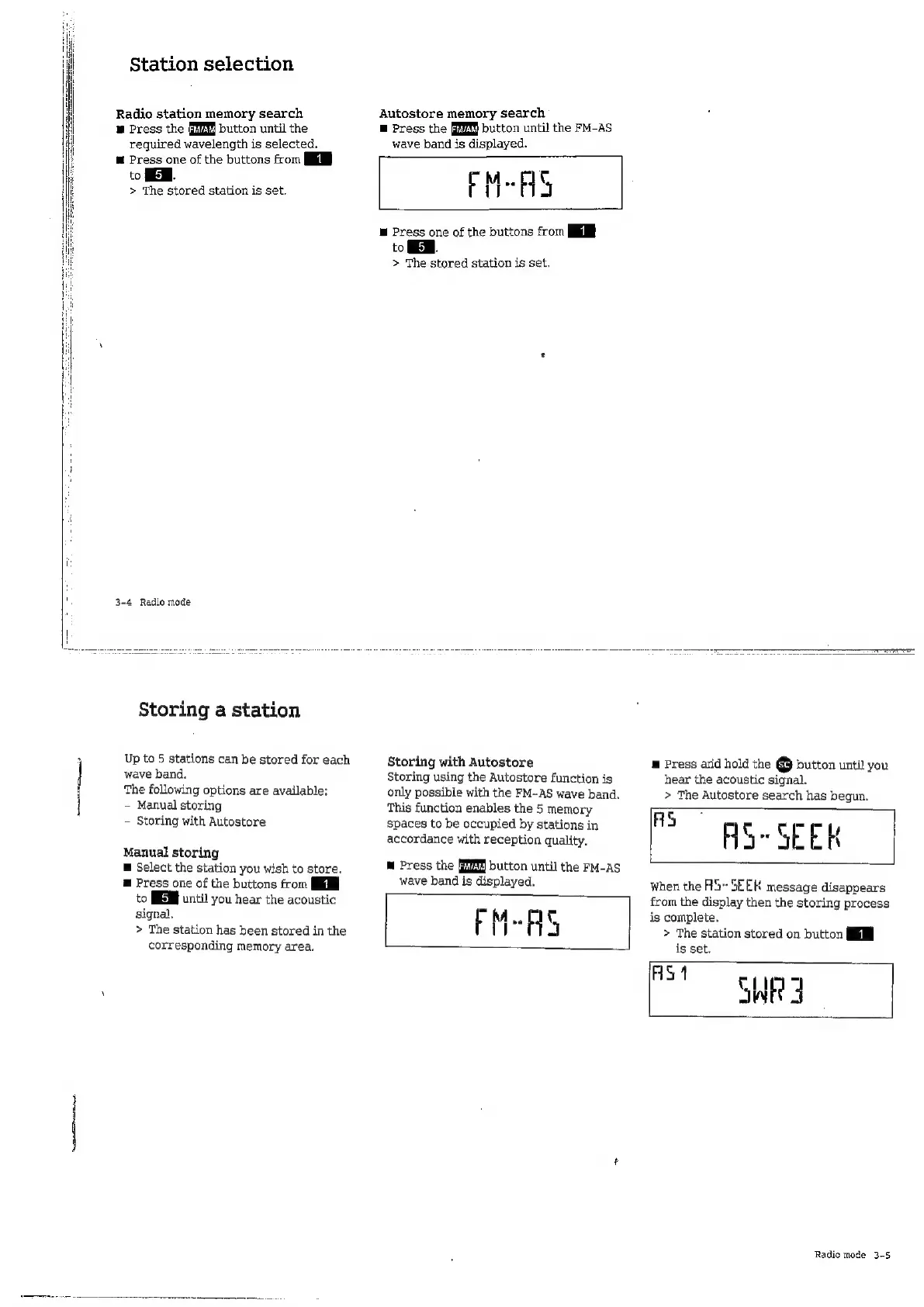
Station
selection
Radio
station
memory
search
B
Press
the
button
until
the
required
wavelength
is
selected,
m
Press
one
of
the
buttons
from
to
FER.
>
The
stored
station
is
set.
3-4
Radio
mode
Storing
a
station
Up
to
5
stations
can
be
stored
for
each
wave
band.
The
following
options
are
available:
-
Manual
storing
-
Storing
with
Autostore
Manual
storing
m
Select
the
station
you
wish
to
store.
E
Press
one
of
the
buttons
from
to
until
you
hear
the
acoustic
signal.
>
The
station
has
been
stored
in
the
corresponding
memory
area.
Autostore
memory
search
E
Press
the
button
until
the
FM-AS
wave
band
is
displayed.
M-AS
E
Press
one
of
the
buttons
from
to
MEM.
>
The
stored
station
is
set.
Storing
with
Autostore
Storing
using
the
Autostore
function
is
only
possible
with
the
FM--AS
wave
band.
This
function
enables
the
5
memory
spaces
to
be
occupied
by
stations
in
accordance
with
reception
quality.
M
Press
the
button
until
the
FM-AS
wave
band
is
displayed.
FM-AS
m
Press
arid
hold
the
@
button
until
you
hear
the
acoustic
signal.
>
The
Autostore
search
has
begun.
AS
HS~
SEER
When
the
H5-
SEEK
message
disappears
from
the
display
then
the
storing
process
is
complete.
>
The
station
stored
on
button
WRI
AS
Radio
mode
3-5

Related product manuals