EasyManua.ls Logo

SMART radio five - Sound Functions

SMART radio five
15 pages
Print Icon
To Next Page IconTo Next Page
To Previous Page IconTo Previous Page
Loading...
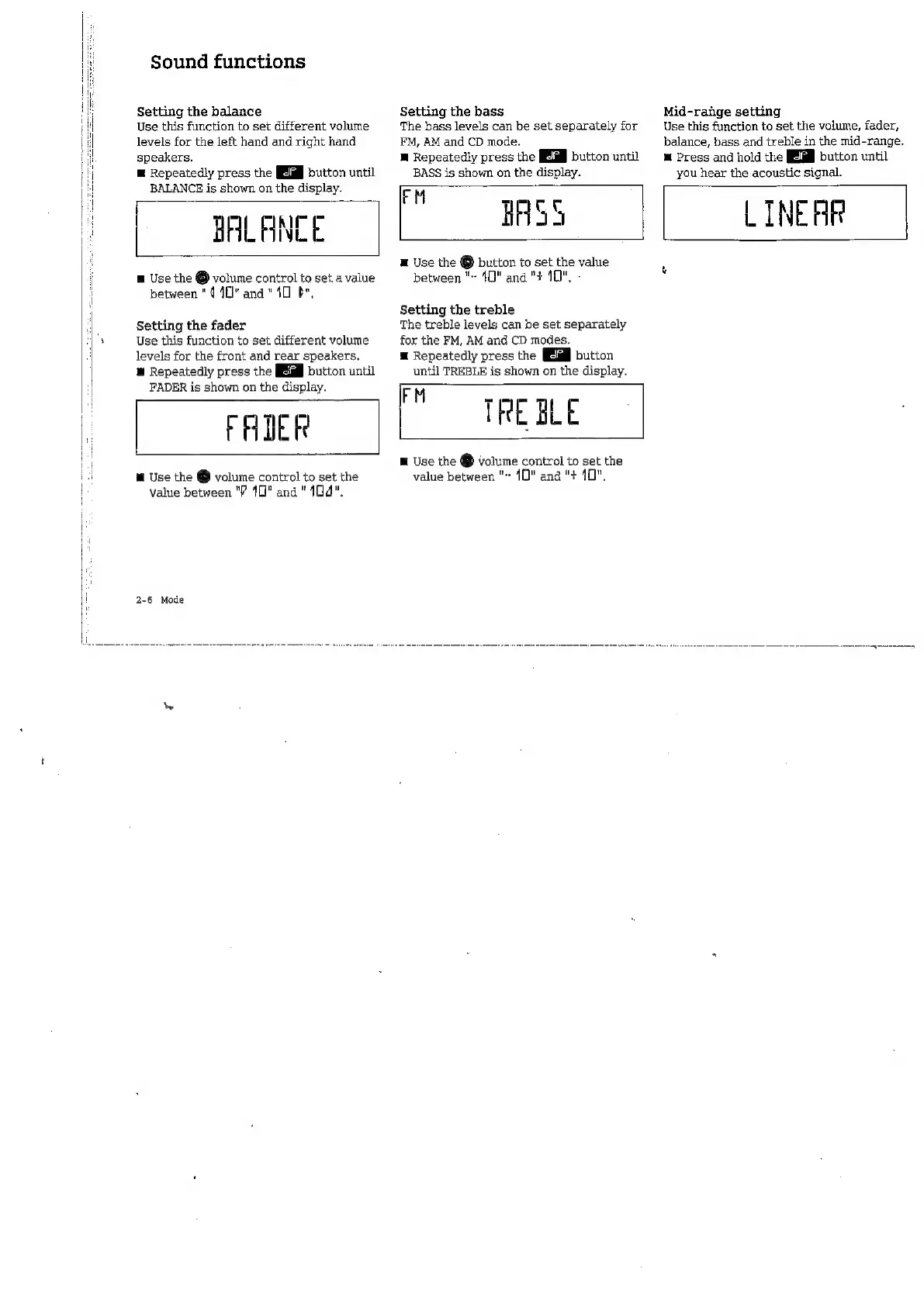
Sound
functions
Setting
the
balance
Use
this
function
to
set
different
volume
levels
for
the
left
hand
and
right
hand
speakers.
E
Repeatedly
press
the
button
until
BALANCE
is
shown
on
the
display.
BALANCE
m
Use
the
É
volume
control
to
set
a
value
between
"410"
and
"40
br,
Setting
the
fader
Use
this
function
to
set
different
volume
levels
for
the
front
and
rear
speakers.
E
Repeatedly
press
the
button
until
FADER
is
shown
on
the
display.
FADER
m
Use
the
@
volume
control
to
set
the
value
between
"P
10"
ana
"104".
2-6
Mode
Setting
the
bass
The
bass
levels
can
be
set
separately
for
FM,
AM
and
CD
mode.
M
Repeatedly
press
the
button
until
BASS
is
shown
on
the
display.
Mid-range
setting
Use
this
function
to
set
the
volume,
fader,
balance,
bass
and
treble
in
the
mid-range.
m
Press
and
hold
the
button
until
you
hear
the
acoustic
signal.
“BASS
LINE
HR
E
Use
the
É
button
to
set
the
value
between
"~
40"
and
"+
10".
-
Setting
the
treble
The
treble
levels
can
be
set
separately
for
the
FM,
AM
and
CD
modes.
E
Repeatedly
press
the
button
until
TREBLE
is
shown
on
the
display.
Po
TREZE
E
Use
the
É
volume
control
to
set
the
value
between
"~
10"
and
"+
10",

Related product manuals