EasyManua.ls Logo

SMART radio five - Wave Band Selection

SMART radio five
15 pages
Print Icon
To Next Page IconTo Next Page
To Previous Page IconTo Previous Page
Loading...
i
`
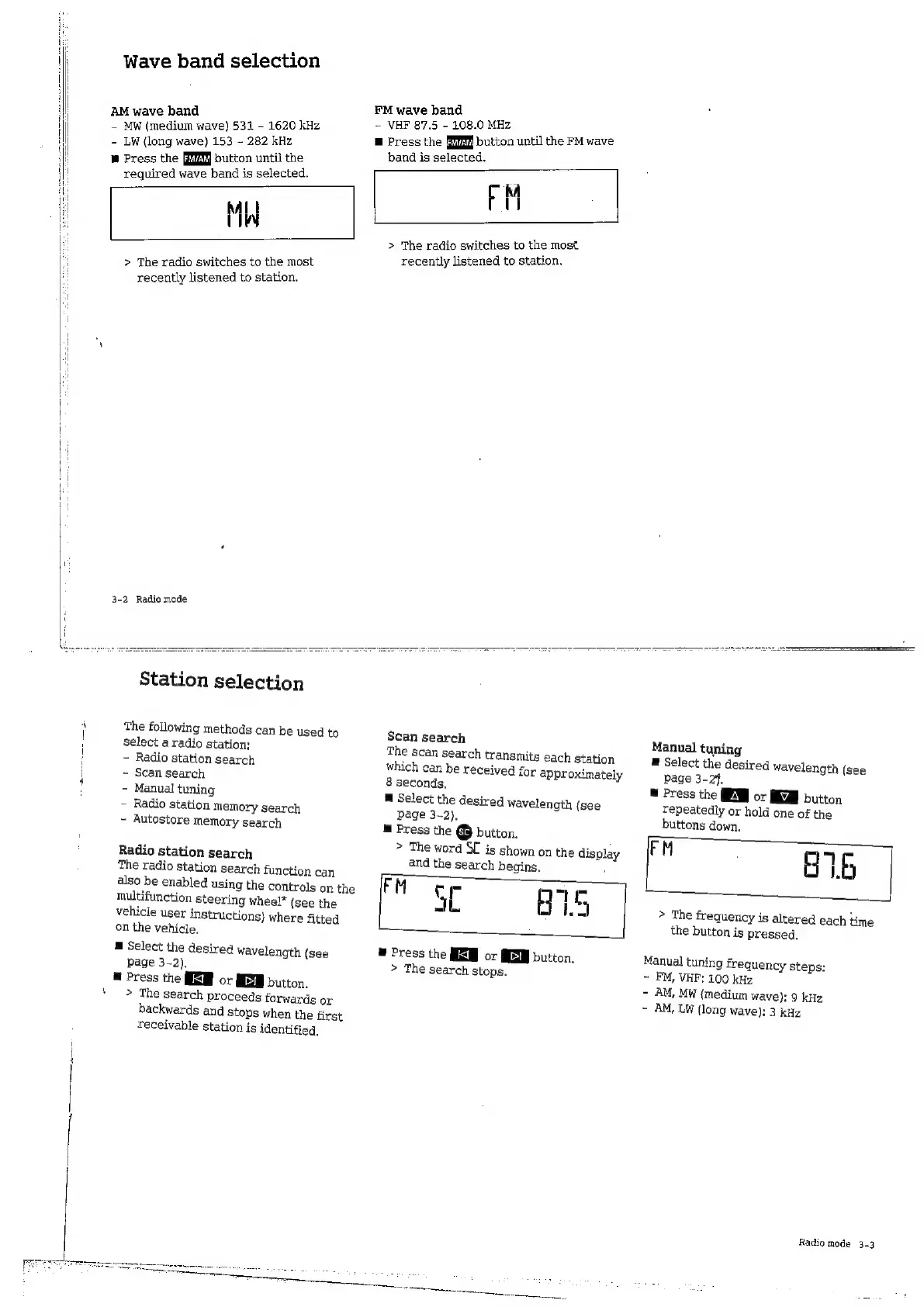
Wave
band
selection
e
band
neal
wave)
531
-
1620
kHz
-
LW
(long
wave)
153
-
282 kHz
M
Press
the
button
until
the
required
wave
band
is
selected.
1)
1%
>
The
radio
switches
to
the
most
recently
listened
to
station.
3-2
Radio
mode
FM
wave
band
-
VHF
87.5
-
108,0
MHz
;
m
Press
the
button
until
the
FM
wave
band
is
selected.
M
IN)
>
The
radio
switches
to
the
most
recently
listened
to
station.
Station
selection
The
following
methods
can
be
Used
to
select
a
radio
station:
-
Radio
station
search
-
Scan
search
-
Manual
tuning
-
Radio
station
Memory
search
-
Autostore
memory
search
Radio
station
search
The
radio
station
search
function
can
also
be
enabled
using
the
controls
on
the
multifunction
steering
wheel*
(see
the
vehicle
user
instructions)
where
fitted
on
the
vehicle.
E
Select
the
desired
wavelength
(see
page
3-2).
E
Press
the
or
E
button.
>
The
search
proceeds
forwards
or
backwards
and
stops
when
the
first
receivable
station
is
identified,
Scan
search
The
scan
search
transmits
each
station
which
can
be
received
for
approximately
8
seconds,
E
Select
the
desired
wavelength
(see
page
3-2),
M
Press
the
[sc]
button.
>
The
word
SC
is
shown
on
the
display
and
the
search
begins,
FM
cr
E
3L
875
m
Press
the
HS
or
MEM
button.
>
The
search
stops.
Manual
tuning
E
Select
the
desired
wavelength
(see
page
3-24.
M
Press
the
EM
or
button
repeatedly
or
hold
one
of
the
buttons
down.
076
>
The
frequency
is
altered
each
time
the
button
is
pressed.
Manual
tuning
frequency
steps:
~
FM,
VHF:
100
kHz
-
AM,
MW
(medium
wave):
9
kHz
-
AM,
LW
(long
wave):
3
kHz
Radio
mode
3-3

Related product manuals