Disconnect the system from the main power
supply
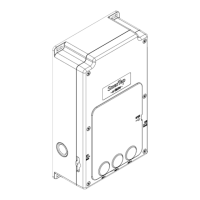
Open the e-Valve cover and remove the
electronics box
Check connection of all cables, especially the
sensors cable
Return the box back to the e-Valve, close the
cover and connect the power supply
IF the problem remains, contact SmarTap


 To Next Page