66
Setting up an infrared remote manually
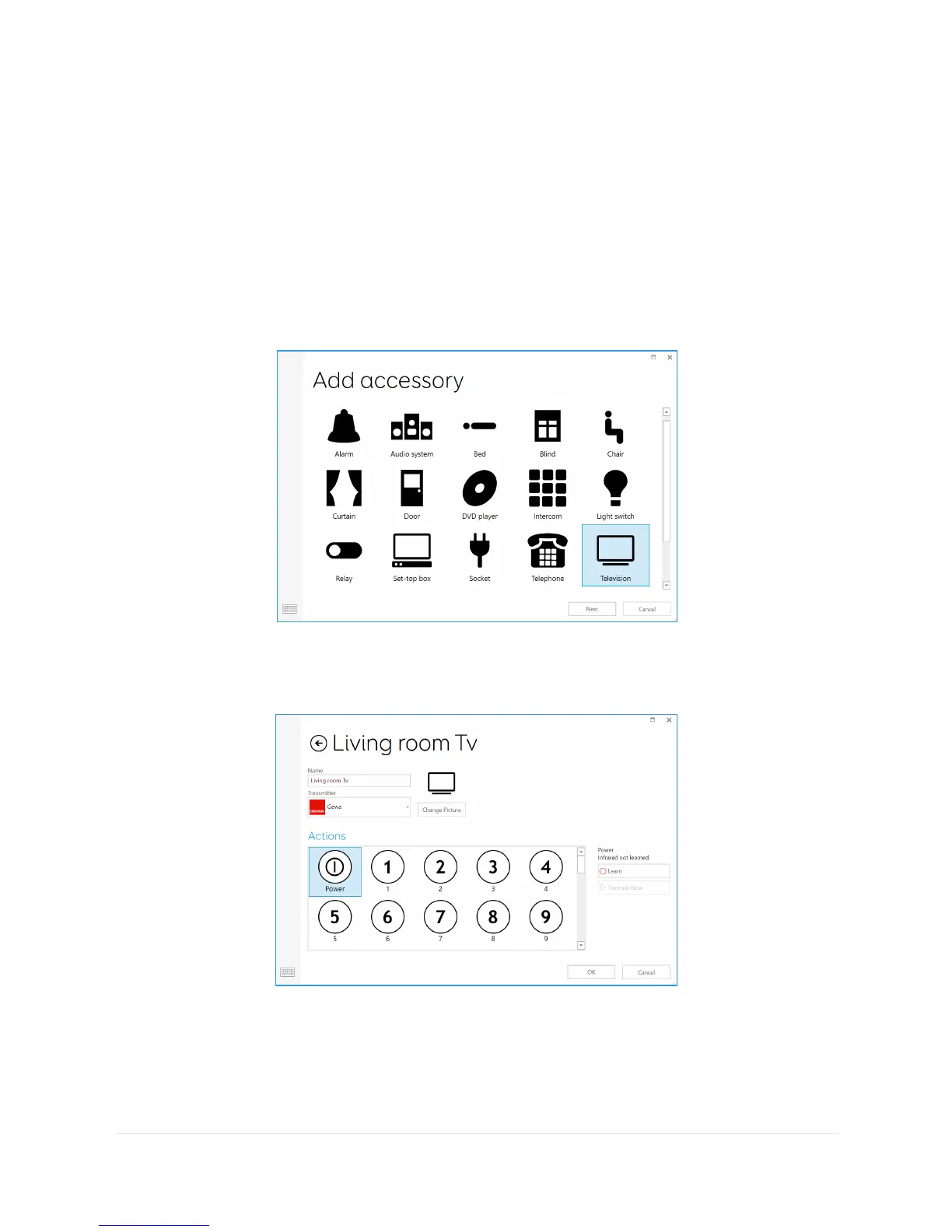
To set up a remote manually, open Grid 3 and go to Settings –
Environment control. Under Accessories select Add.
You will see a list of accessories. Select the type you would like to
configure, and you will be taken to the learning screen.
Here you can name your device (useful if you will be using
more than one of the same type), change the icon and most
importantly, learn the actions.



 To Next Page