67
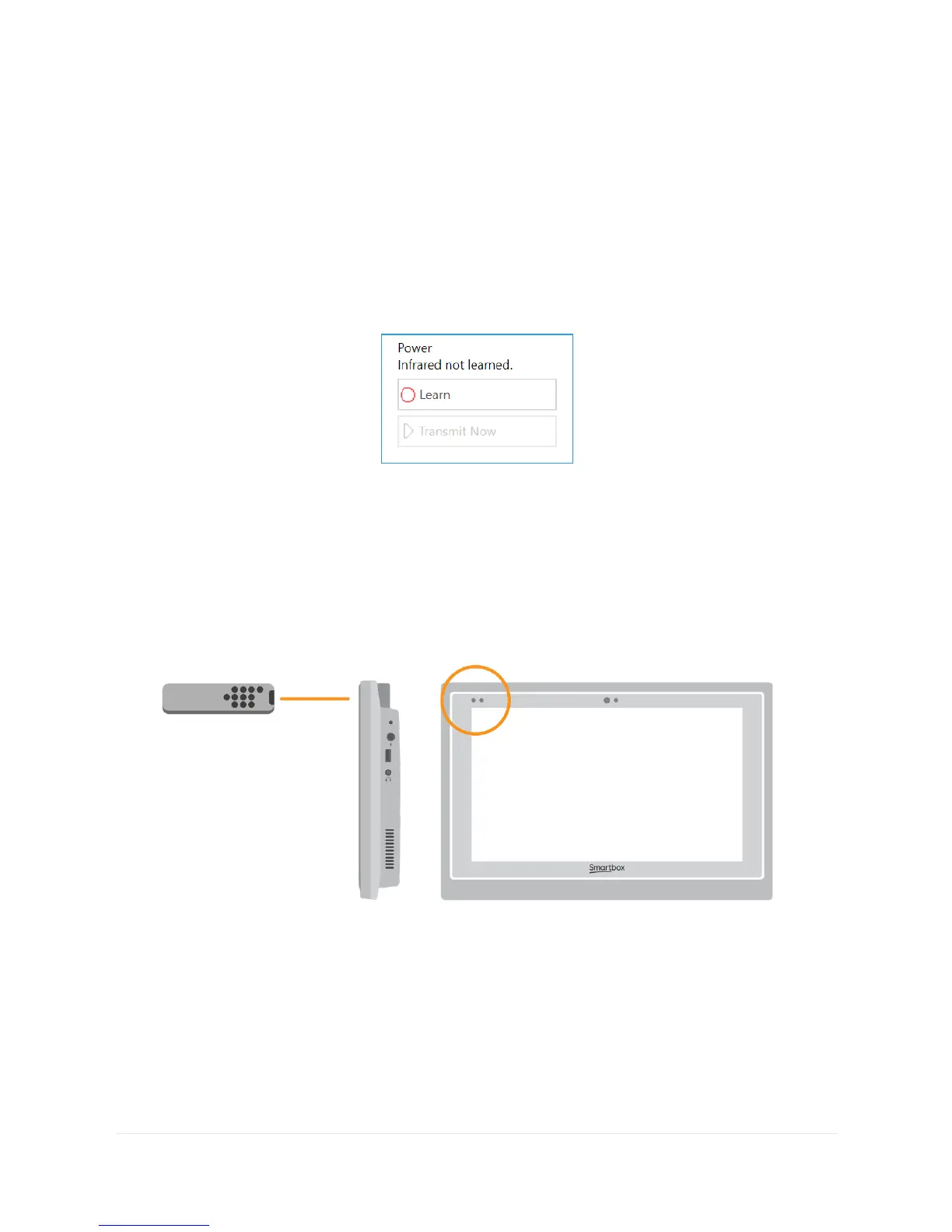
Select the action you wish to learn, for example Power, then tap
the Learn button on the right side of the window.
The Learn infrared window will appear and you will be asked to
follow the instructions on the screen.
Remember to point your remote directly at the front of your Grid
Pad. You will see the red receiver LED in the top left. When the IR
code is received, this LED will blink once.
Once complete, the action will turn green and you can test it by
tapping Transmit now. Follow these steps for each corresponding
action that appears on your remote, then click OK to save and go
back to the Environment control window.



 To Next Page